Ultimate Indie - Week 4 day 1 Boba Tycoon Prototyping
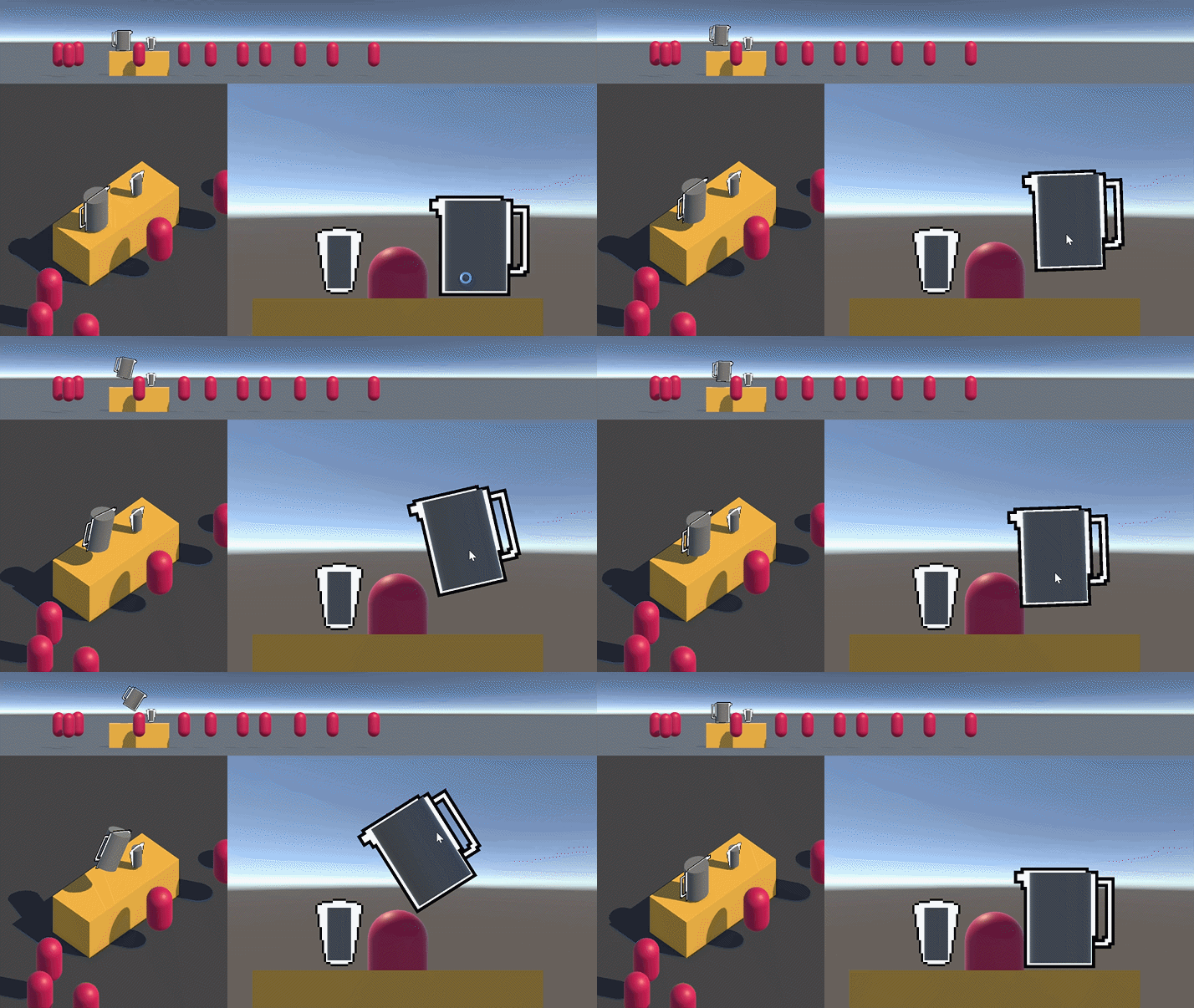
Time to get to the pouring! I’ll break it down into these steps:
- Add vertical line that aims down to show aim of liquid from jug lip
- Change the value of liquid captured in the cup and Debug log it for now
- Get the angle that the jug will pour/stop pouring based on the amount of liquid in the jug
I’d really like to have a parabolic curve that changes based on the speed of the fluid coming out but I never studied physics so that can be a later version 😄
Right now I just need it to be able to aim into a spot and have it collect or spill. I realised i chose a much harder to implement mechanic to start when I could have made a tap without all the extra steps
First things first: add a cylinder that moves with the jug and points downwards all the time. The easiest way I cant think of this is adding a hinge joint. I love the first pass of testing stuff:
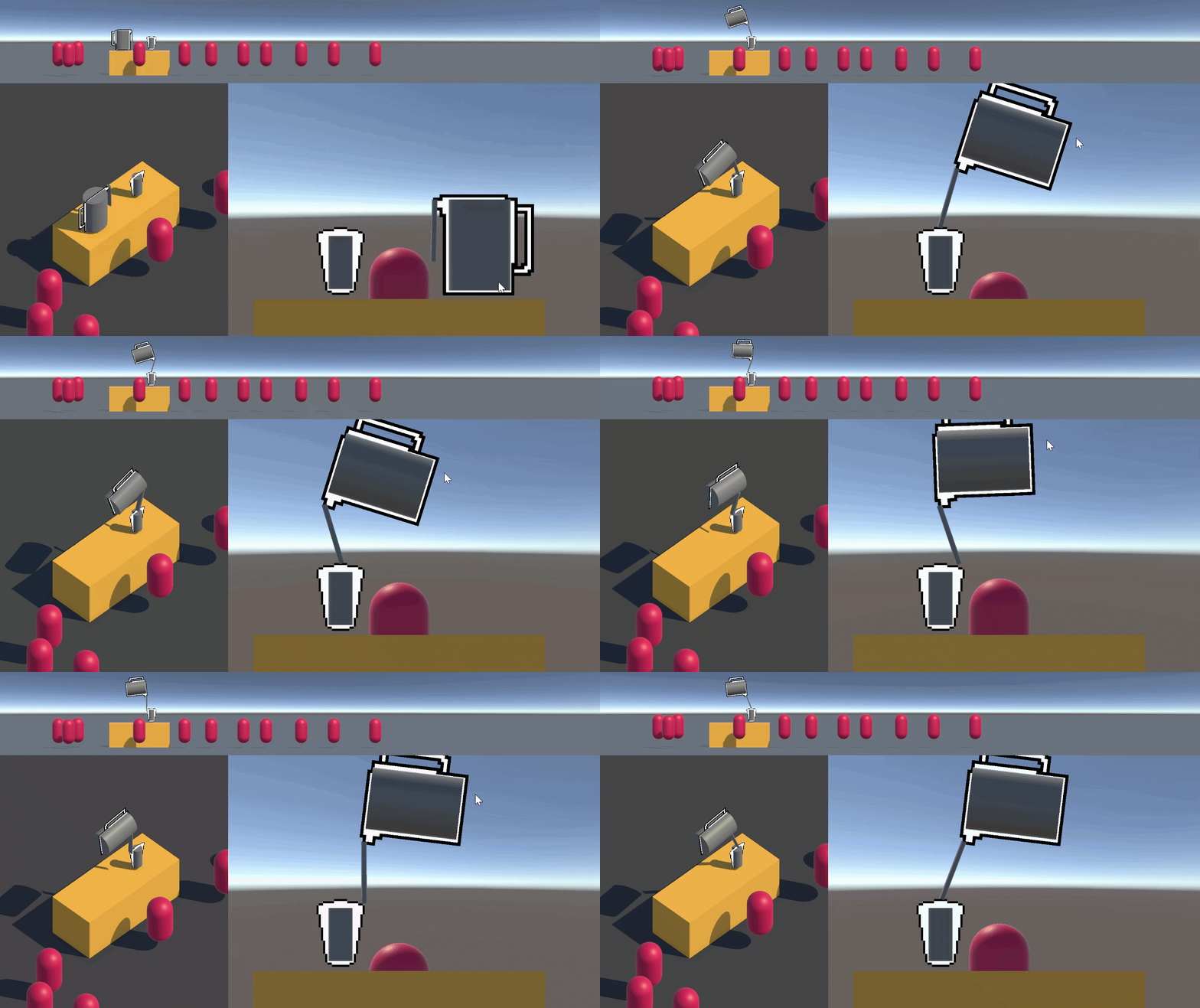
It’s so derpy 😂 I just need to it point down, not swing wildly! just freezing the rotation on the Z axis does the job:
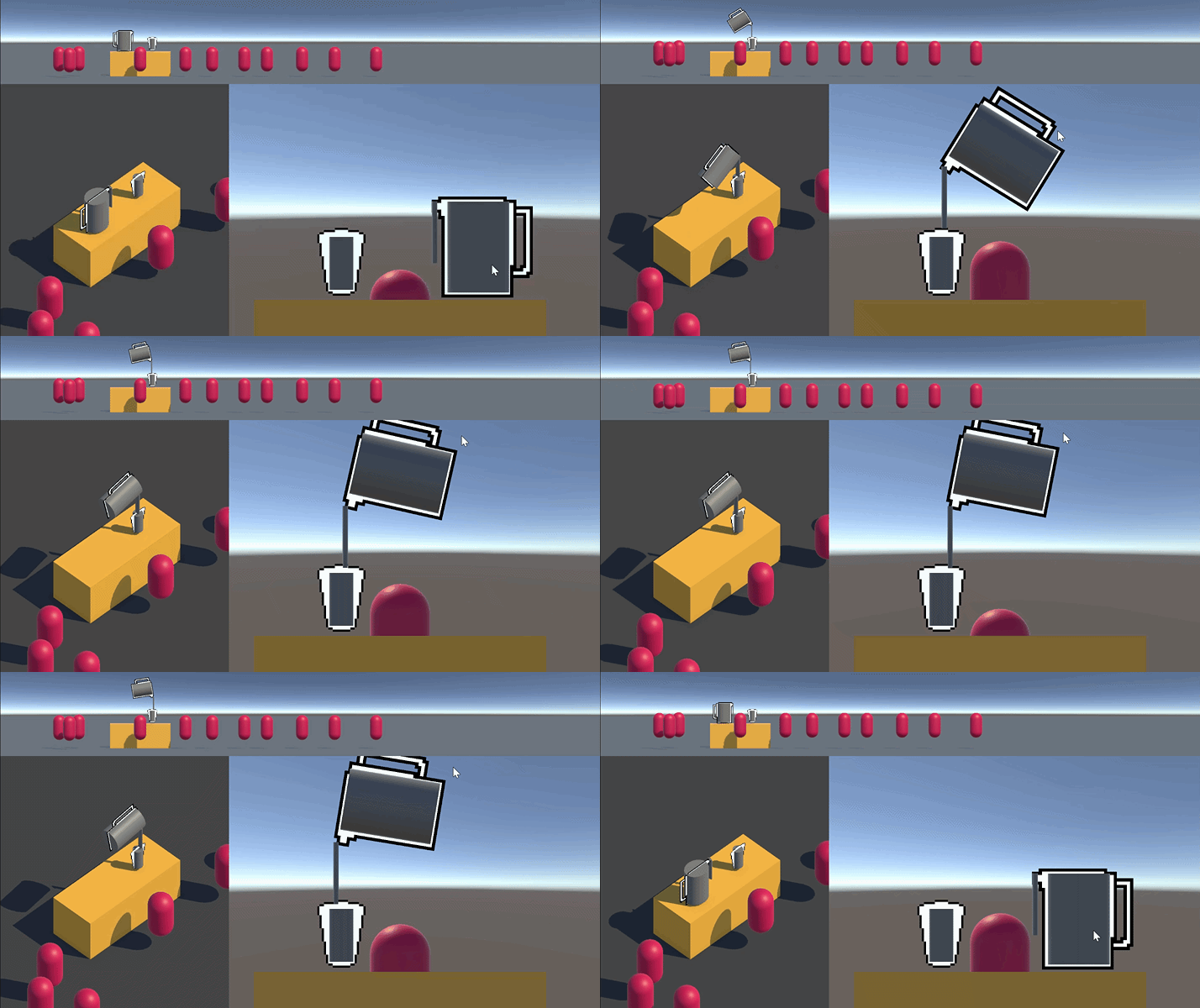
Playing around with the hinge joint it first seemed like the settings on the RigidBody was ignored but it works! Nice. Next is detecting the area above the cup. I am not experienced in 3D but I think I can raycast from the cup to the pouring liquid object to detect if it should be collected or not. Time for a new script on the cup. I’m calling it ReceiveIngredients because of a video about composition Mike sent me. Maybe something else will receive ingredients at some point.
Hmm on second thought, I think I will make the pouring liquid object Raycast instead - this way it can handle for spilling as well as calling some Fill() method on the cup when it’s in range. So the script will be DispenseIngredient. This should work for the other type of dispensers too if I write it nice enough 😅
So it needs to Raycast downwards to find the right object and fill the container, or spill outside. I’ll do a Raycast and Debug.Log it first. Im reading this page from GameDevBeginner to do it. First pass I have a ray pointing down with a red debug line and logging the name of the gameObject it hits:
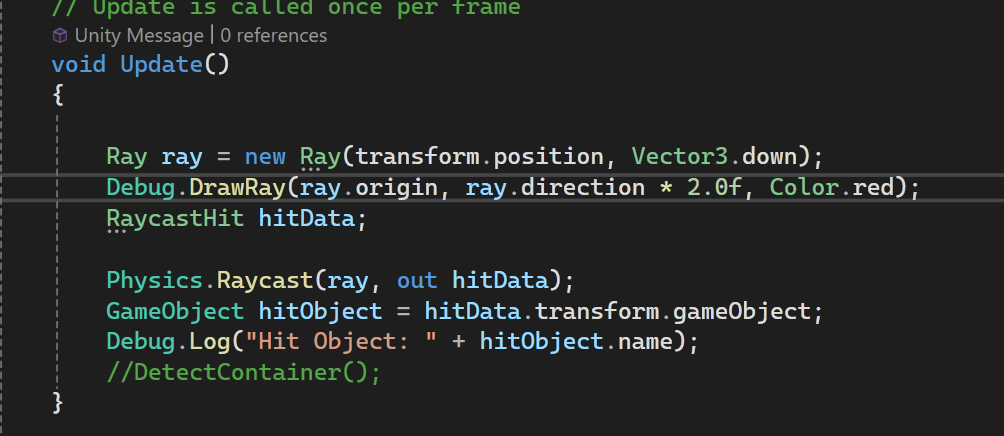
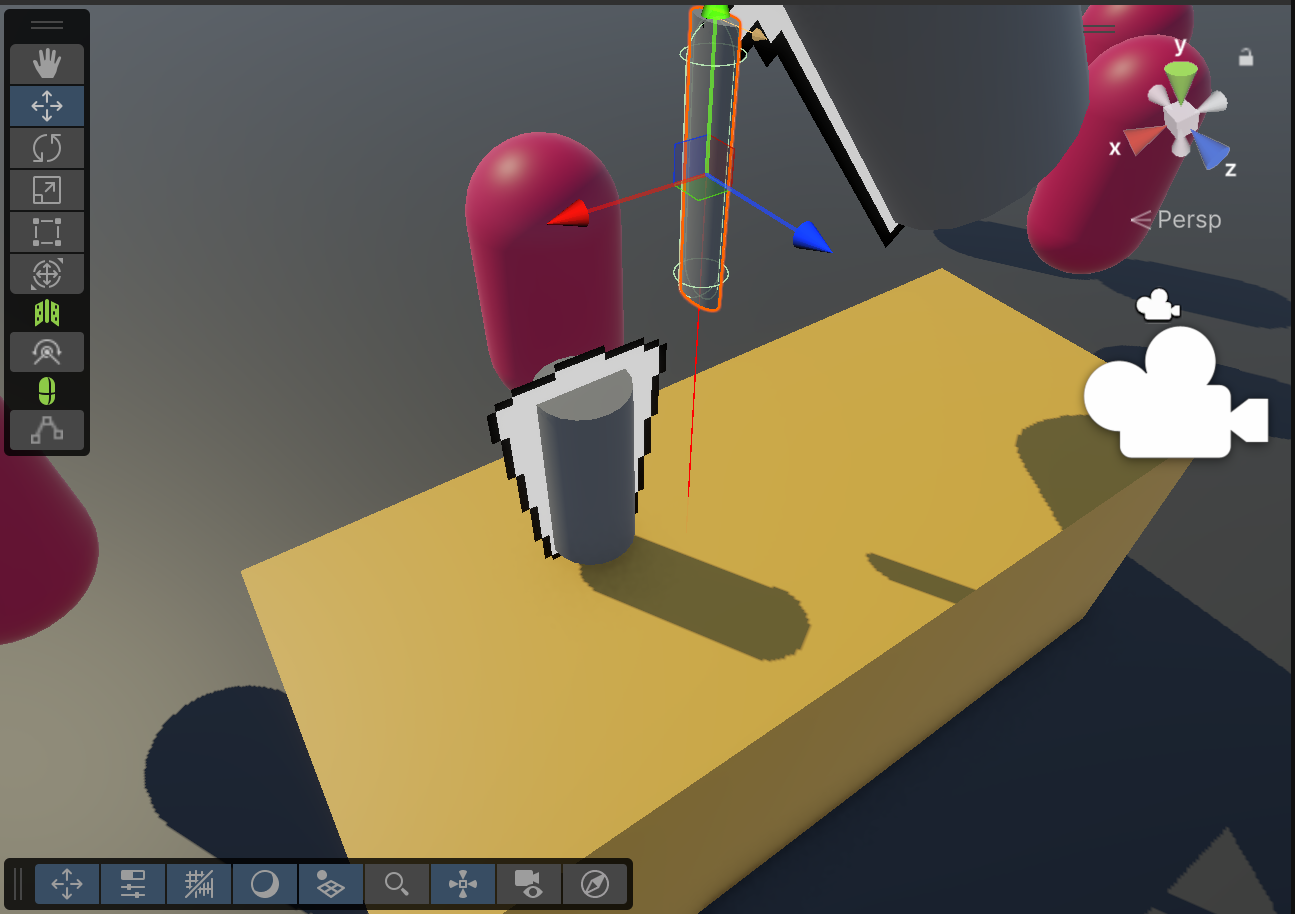
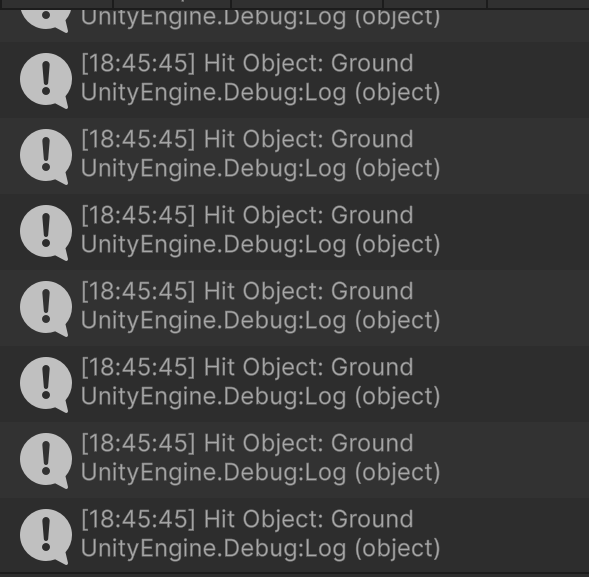
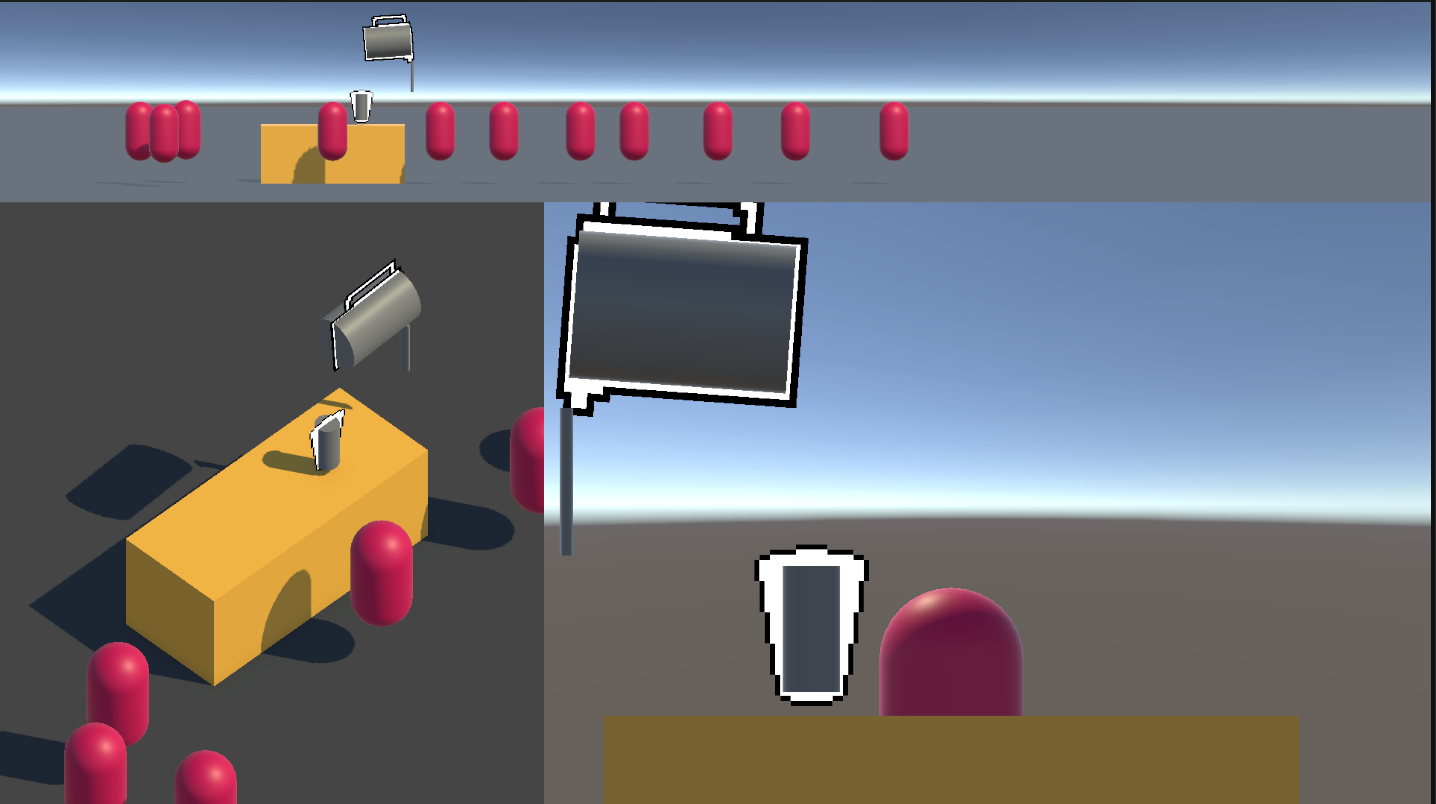
Soooo close! It properly logs out “Stand” and “Ground” but somehow does not hit the cup, the only thing it needs to 😠
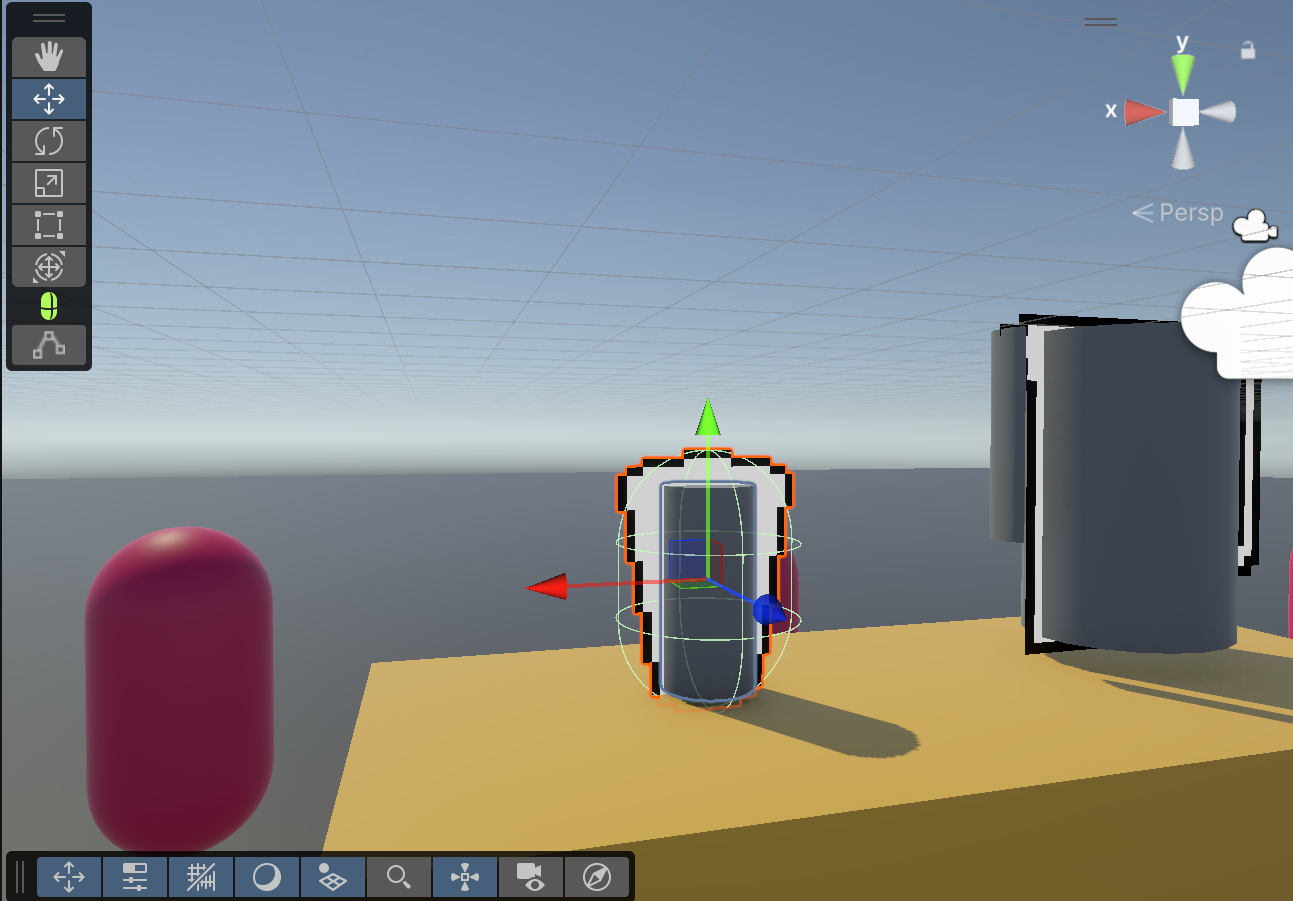
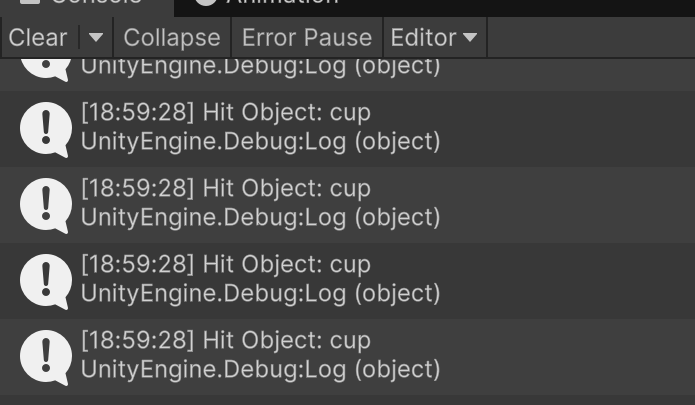
A bit of googling later and something hinted at it needing a collider. That I didn’t know. So many things to learn about Unity - but now I’m on track. I added a collider to the cup and it’s logging it properly:
Sweet! Now to fill the cup. I’ll make a new script for the cup and copy paste relevant logic I had before since the other script was a bit of a mess. I’m gunna name this new script IngredientVolume so I can put it on any other container. You can think of it almost like how you would have a script to hold on to health and add/subtract from the numbers. It should hold a list of volumes with names and the number of ml/g per ingredient.
And because my attention has been taken by Q-UP I didn’t do more today 😅 My friend was streaming it in Discord and he bought it for Mike so I’m playing it on the Steam family library. It’s such a strange game to describe but it is fun!