Ultimate Indie - Week 4 day 4 Boba Tycoon Prototyping
I woke up at 6 ish this morning because our dog likes to take up my leg space gradually over the night until I’m nearly falling off the bed.
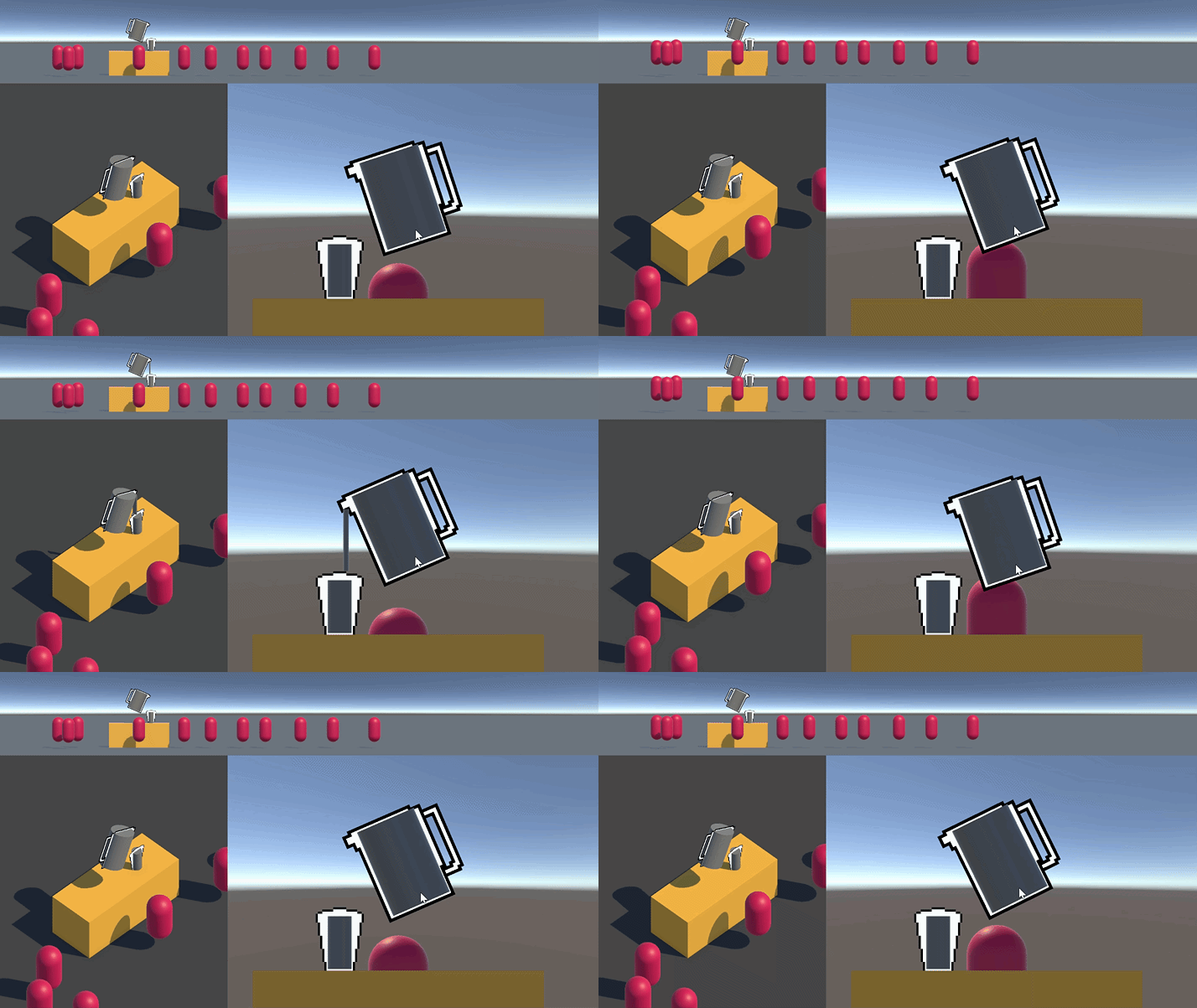
But I had the thought that each container can have a DispenseIngredient component because when it’s spilling it will be dispensing to the thing under it technically. I’m not 100% sure how this will work with events though. Maybe I wrote things all fine and it’ll just work (not likely) 😅
Next items on the list:
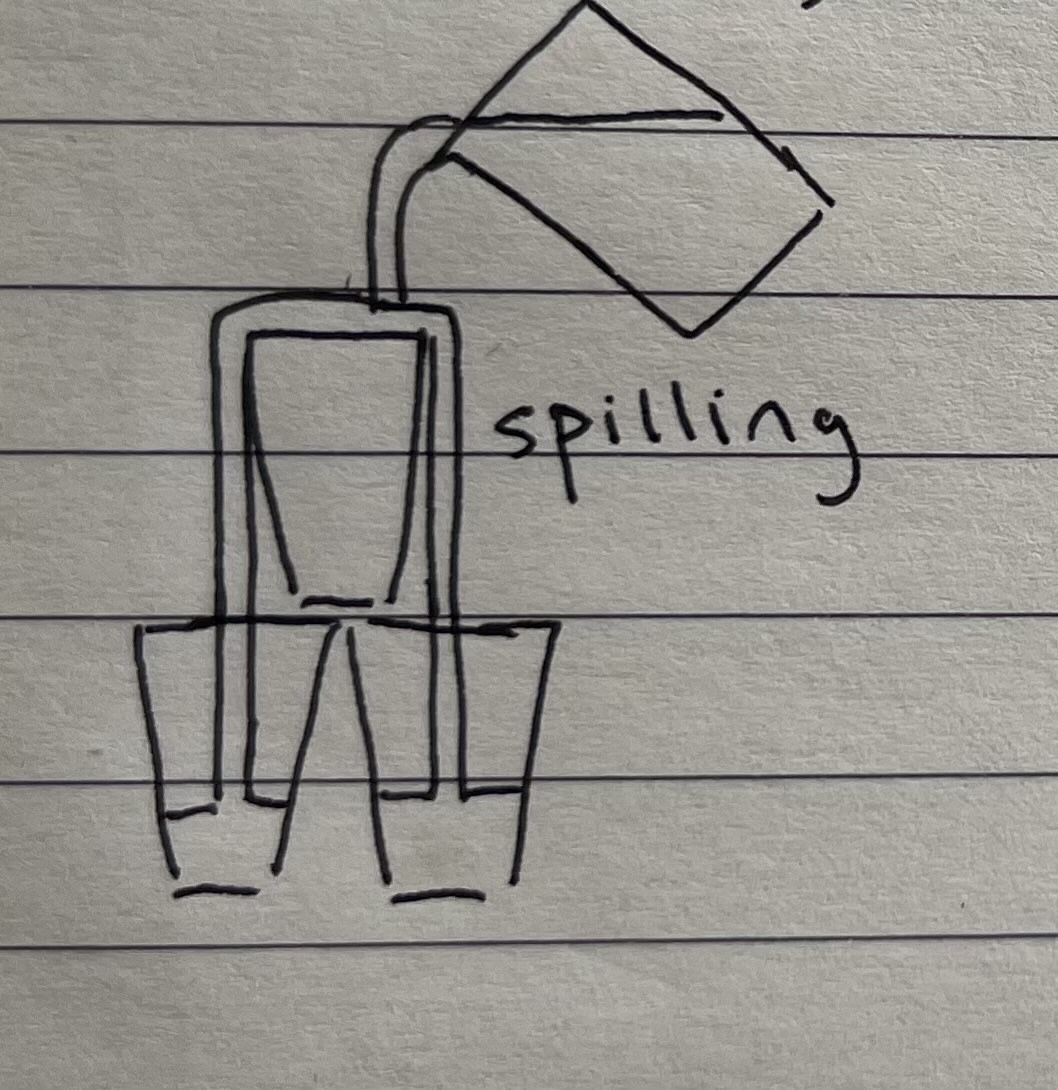
- Spilling to the item underneath
- Displaying the single ingredient in the containers
- Displaying multiple layered liquid ingredients in the containers
- Displaying larger particle ingredients in the containers
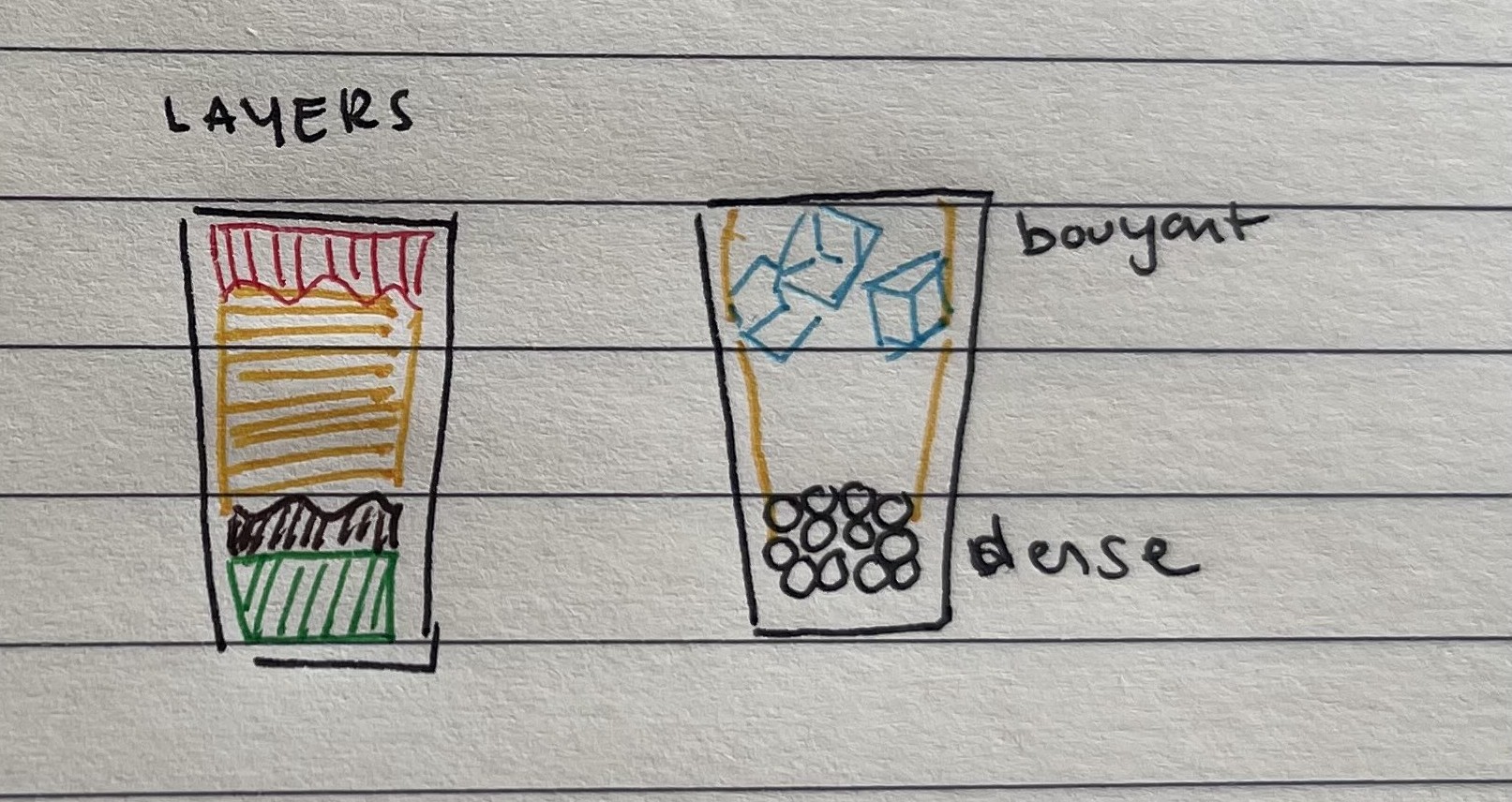
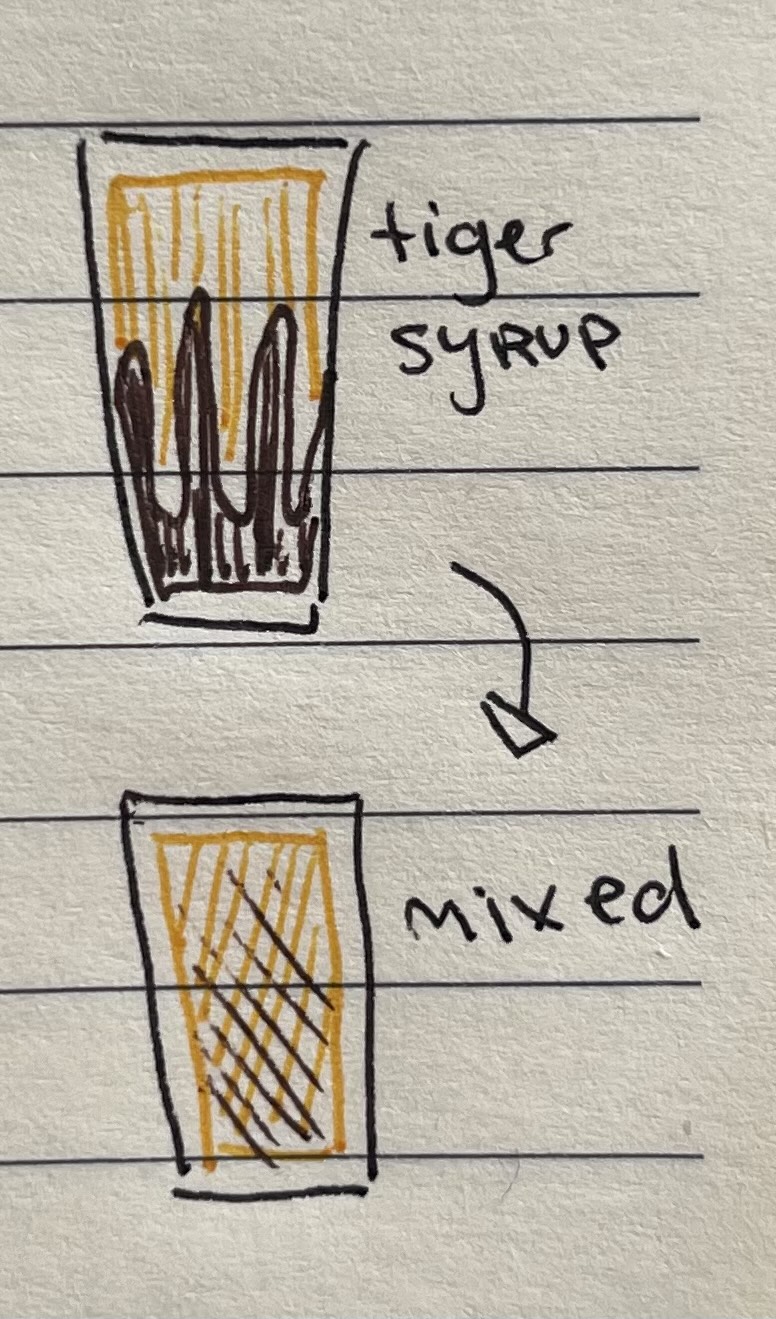
On 2 and 3 I’m really trying to make the display represent the data. I know it can be that the GameObjects alter the data too - but maybe that will be better for toppings and ice. Liquid particles never look good to me - and they are almost always geared at larger bodies of water. I am interested in figuring it out one day but that’s not what I’m interested in today.
Spilling to the container underneath
I guess everything can be a container? The stand will be able to hold some water and the ground, while not really infinite can hold a lot of water. This is funny to me. Now I’m thinking about situations where a customer is a container and can have capacity in their stomach, or on their surface where they can be spilled on. Imagine a quest where someone is on fire and you have to throw water on them!
The other idea is that you can stack cups in a triangle and make a tower from pouring. This is a fun way to make a mechanic I think. Give building blocks and let people play. I love that Breath of the Wild had a 2d version where they tested building blocks.
A thing to note here is that if a container is spilling, it should also get stained. This way I can add the effect where if you spill you have to clean the item that is spilled to continue.
I’ve had a bit of a read of events stuff and I may have to re write a bit to make sure the correct container is dispensing since the way I have it, everything with the DispenseIngredient script will call DispenseTo if I leave it ias it is. I’ll try it any ways since I have been committing everything to github.
I think the main issue is that I need to spawn a new pouring prefab so it can figure out what it will spill onto first!
I actually wanted to fix the pouring prefab not sticking to the jug so I asked good old ChatGPT how I could do that and it told me to reset the rotation in the LateUpdate() if I add it as a child to the jug:
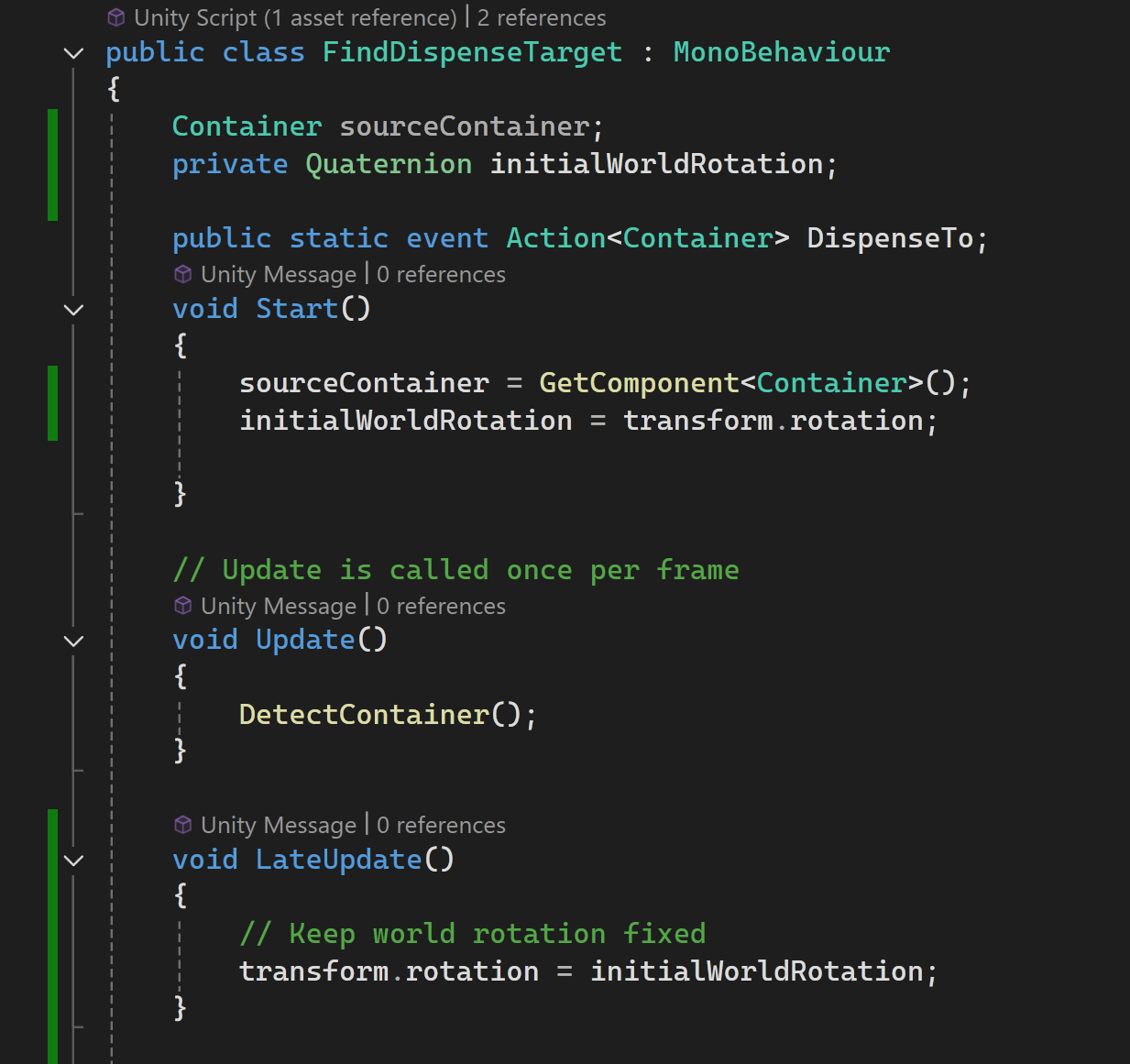
And it works how I want it! When AI works its great, when it doesn’t it can waste hours.
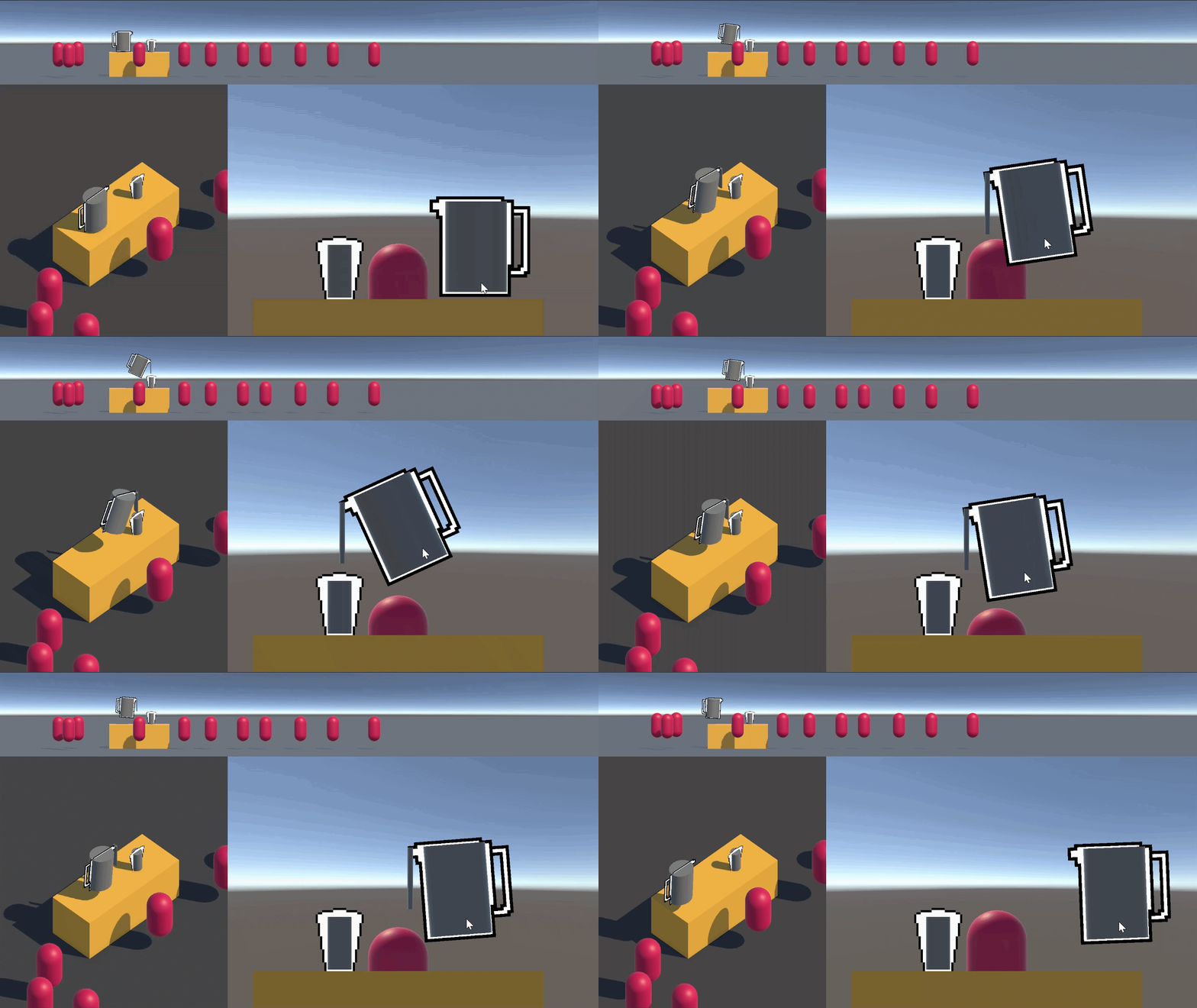
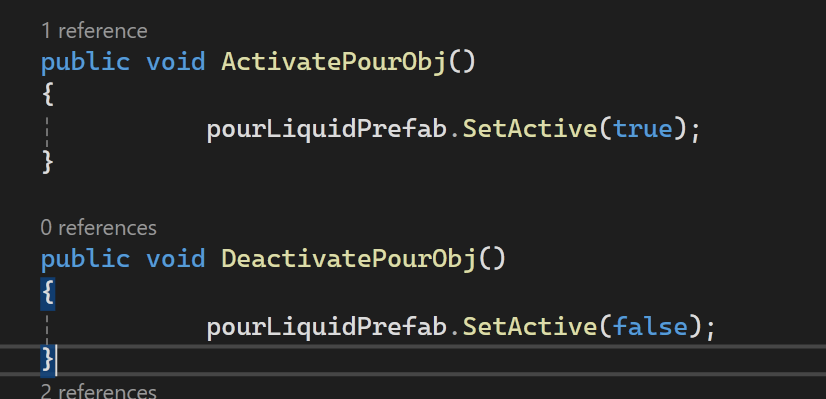
Next part is to spawn the prefab on the cup. I guess it can be copied into the cup object with an offset for now. I’ll get rid of the cylinder in the cup for now so I can see it. I’ll make it so the spilling activates the pour object of the cup with some helper functions:
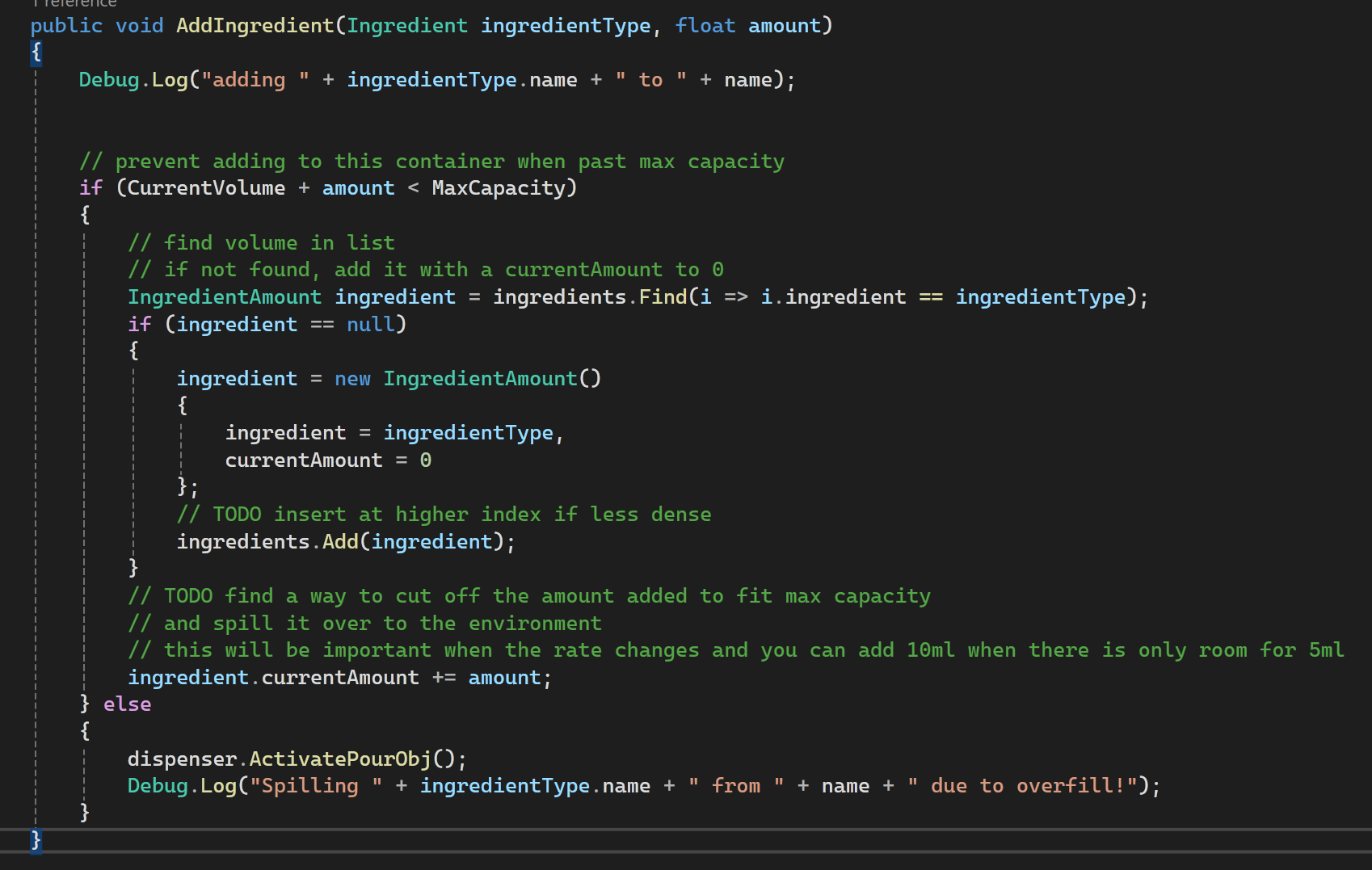
.. and holy crap it looks like it works? I didn’t expect it to work straight away!?!?!
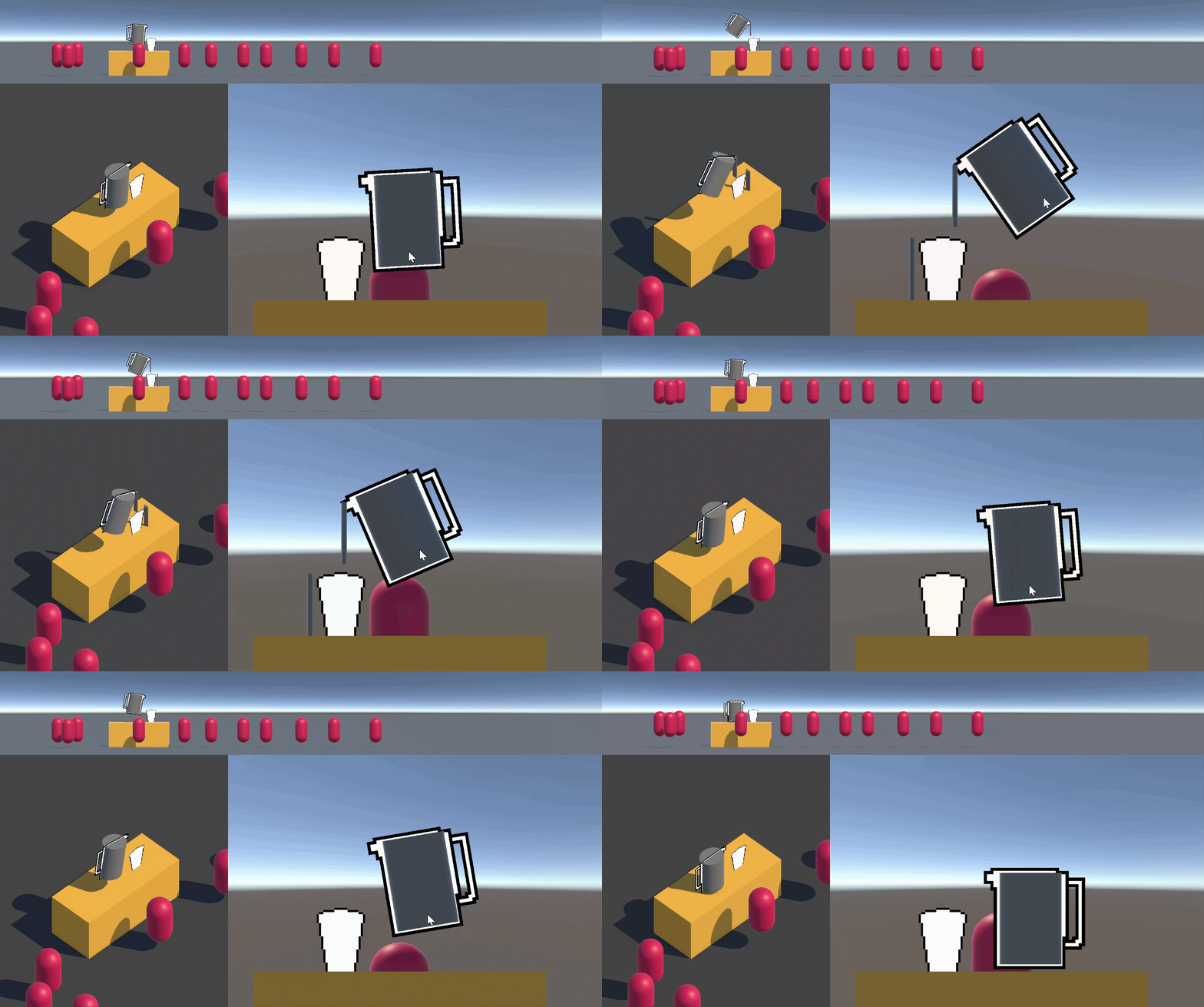
I wish it was easier to see what was going on. I guess the next step is shaders to show volume levels!
I was a bit distracted with a few things today - my IKEA order got here so I made my new set of drawers for my extra notebooks/sketchbooks could go into so my desks could be more clear!
I also tried to add Goatcounter and Giscus to this blog - I’m not sure if it worked though? Maybe it takes a little while to show up.
And then I decided to play with fire by opening Q-UP again and a few hours left my body 😂 No more for me until the end of the course! I’d like to actually get closer to finishing my game!
I’m happy I get at least one thing done a day at least, I’d rather do a little every day than none for months! Tomorrow I continue the spilling and then also try to represent the volumes in the containers. No need to color them nicely yet!