Ultimate Indie - Week 2 day 1 Prototyping Boba Tycoon continued
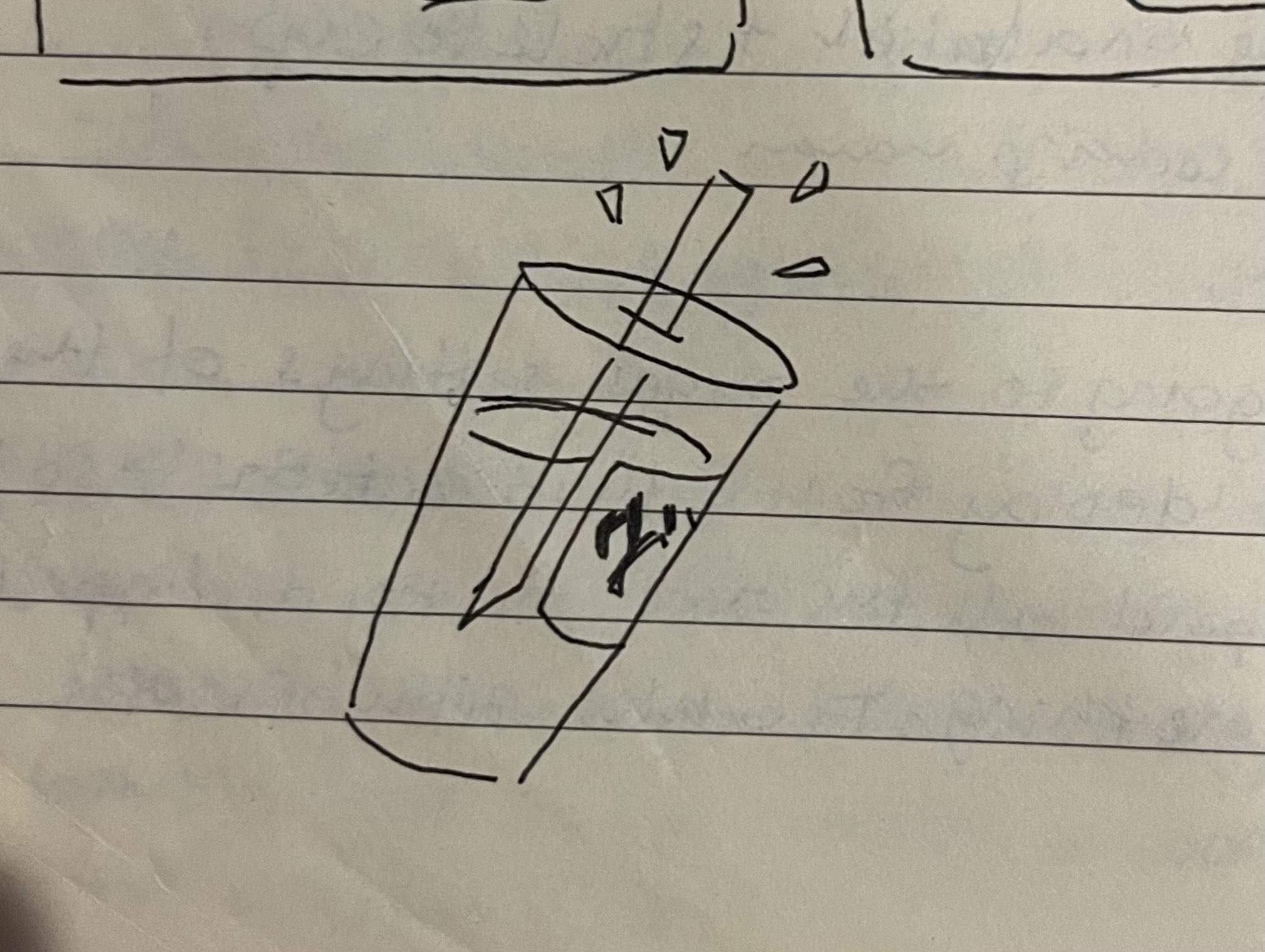
At this point I have decided to stick with this idea and shelf the other two for this program. They may come back in a different form one day! I have been half writing entries but not finishing them the past couple of days, my bad sleep is making me a zombie so I’m trying to sleep better so I can have a playable prototype to get some more feedback.
Ultimate Indie updates
We had the second live call this morning and many people are at quite different stages of their project.
Affenbauch in the server posted this GMTK video a few days ago which I found to be very relatable since I have started and stopped so many game projects because I never got the story or art quite right before I even started trying to make something playable.
It’s been somewhat comforting to hear others have fallen into this trap, and I am glad that I seem to be able to break from this by mostly acknowledging that it’s a waste of time making all this art if something isn’t playable or fun to by played. I have now so far been able to make 3 ugly-first prototypes - this, the start of Clawmania and the virtual pet one I made just before this program.
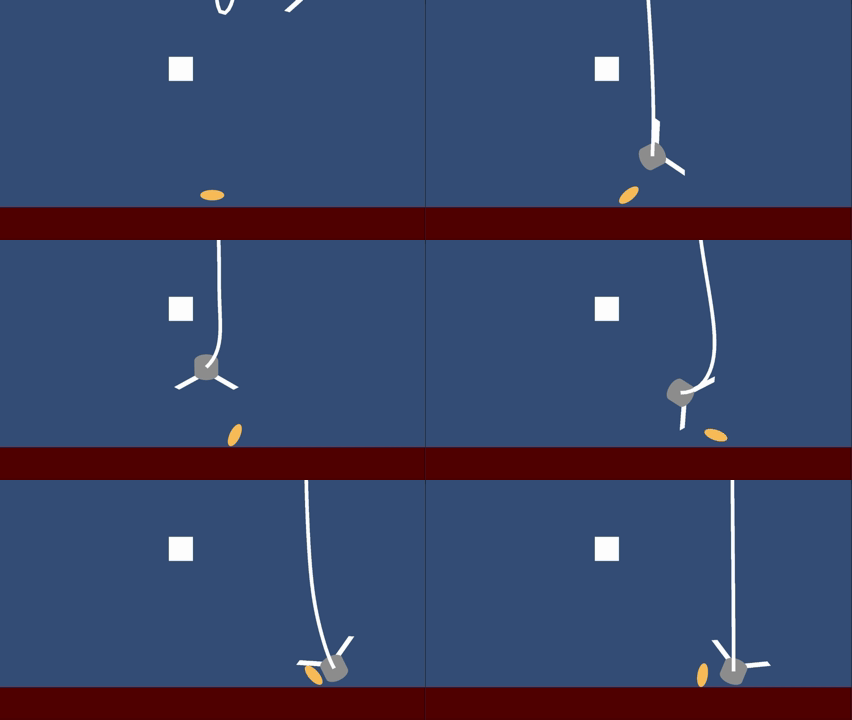 Ugly-first approved
One thing I remember from today’s call and think it’s and underrated opinion - GDTV’s Rick said something along the lines of this:
“If you are watching a bunch of videos and you think it’s working on your project it’s not - you are preparing to work on your project. The idea of this program is to encourage you to get your hands dirty”
I’m definitely paraphrasing but it rings true. I have sat and watched video after video after video on not just game dev but illustration, hoping it would motivate me to get something done but it only did the opposite.
I have to actively make the choice to take action otherwise I sit in preparation mode forever.
Speaking of which:
I keep “stumbling upon” ideas whenever I work on this project and I forget happens more when I work on it instead of just hoping inspiration will strike me if I’m not thinking about it.From just doodling the next part a different mechanic pops up:
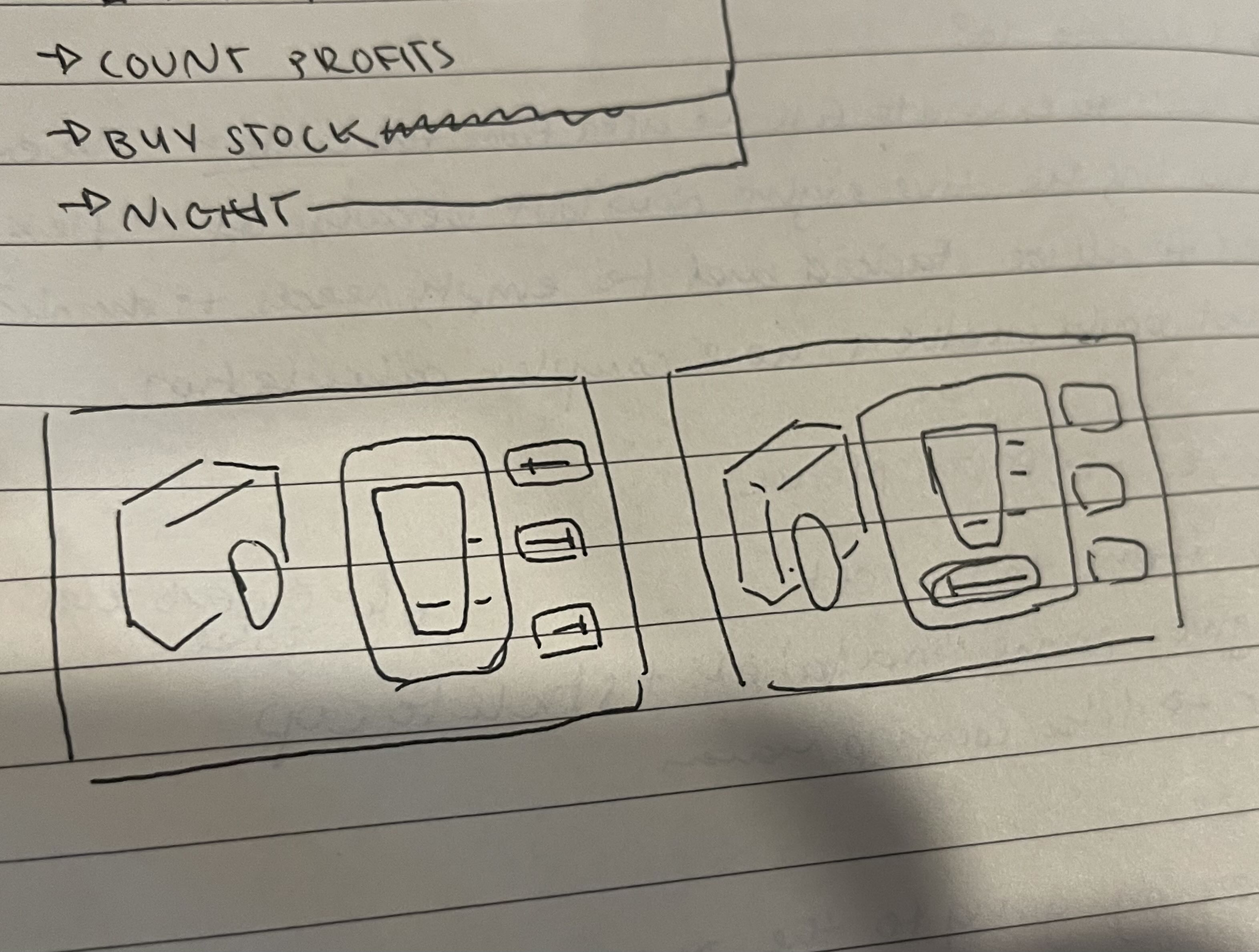 Multiple sliders vs a single slider
When I got the suggestion for sliders, I originally envisioned 3 sliders you would have to move and hold to pour one at a time, but after drawing it I wondered if it would be fun if you could adjust the sliders so you could be pouring 3 things at once. Not realistic unless you are an octopus, but it doesn’t need to be realistic :D
I’m wasn’t sure how to test these two ideas and asked about it - Stefan gave me the advice to pick your favourite and implement it and get feedback, but if it is easy to implement both you could A/B test it.
Just yesterday I watched another video from Masahiro Sakurai on this:
Watching this and hearing the advice I got, I will decide on my favourite and test that. Another gem from this morning was:
“A lot of this is trusting yourself and not looking back” -Rick GD.TV
This also related to another video about decisions I got from reading some of James Margaris’s articles:
I have found myself so many times having multiple items I hold at the same importance and I have trouble deciding. It wastes a lot of time because, if I have 3 ideas I try to research all 3, work on all 3, become attached to all 3. It takes a toll. I think my fear is that if I choose one it will be the “wrong” answer but this is rarely the case. I’m going to decide on one thing and go with it, and trust myself to figure it out along the way.
You can tell that I spent my last two days in preparation mode instead of action mode (;⌣̀_⌣́) But I had a serious lack of sleep to catch up on! Today I’m doing what I can to not fall back into c̸͕͆̓̂̈́o̴̫̝̯̓͘n̵̞͌s̷̫̥̜̐͒̕ų̵̖̃͒͌̚ṁ̵͉͖̉ì̶̺̳̿͠n̶͈͝g̷̢̨̤̦̀͌,
So, to keep me on task, the next steps are:
- add a slider/sliders to the ui
- tie the fill rate to the sliders
I gotta keep the list small so I don’t meander and get distracted by shiny other things!
Back to the prototype
I had to adjust some Panel Settings a bit in UI kit to make sure the preview on UI Builder matched the screen but now the % doesn’t line up with the top of the cup any more. I think it my be to do with adding some elements above and below the cup. This may have to be switched out to something more reliable later. It also had some issues when I tried to build it an put it on itch.io. I’ll leave that build fixing to later when I have a bit more to play for a tester.
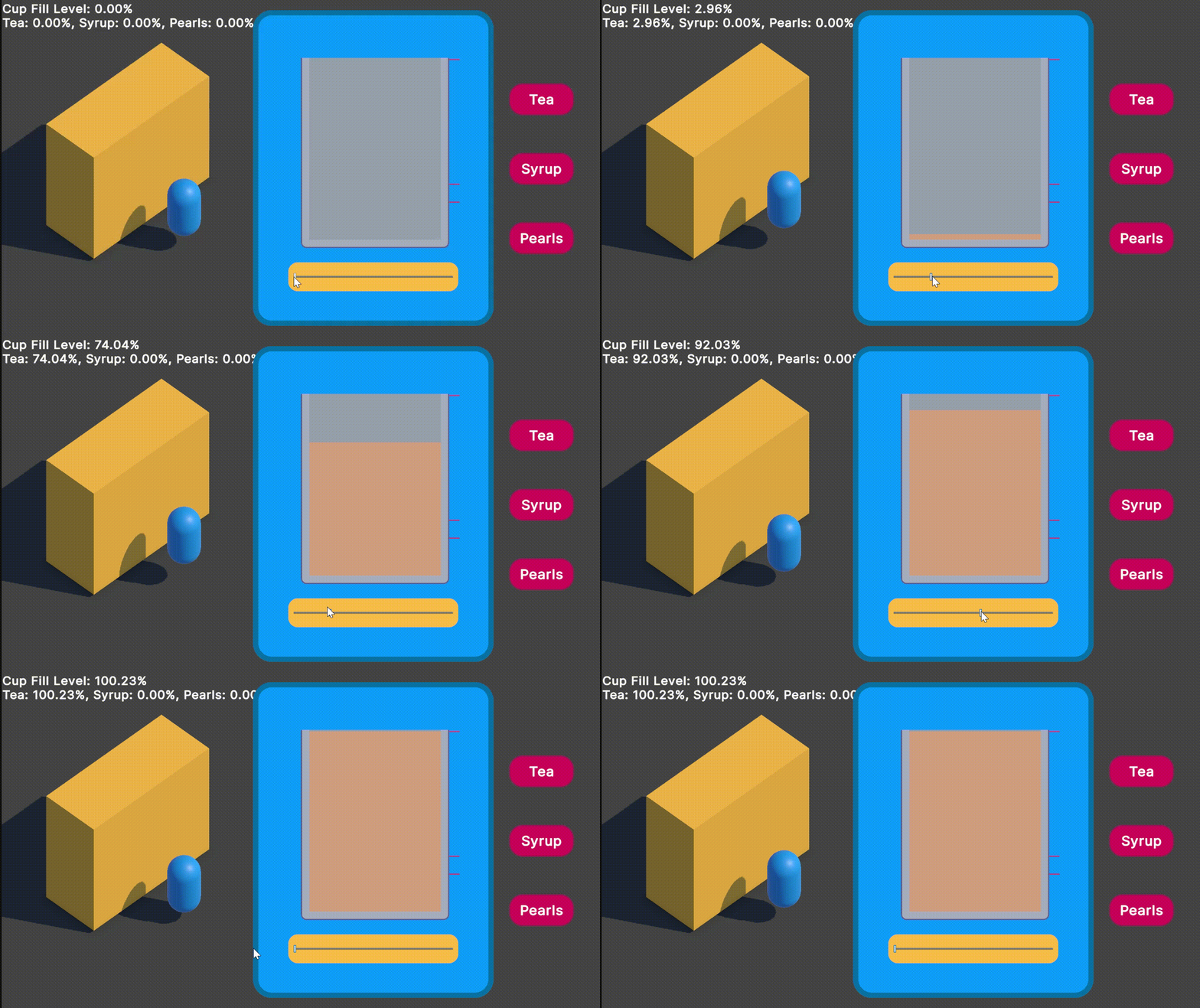 Slide to pour
Its working, sort of. I want it to only pour while you hold down the mouse, if you let you it needs to slide back to 0. Right now it’s stuck on the area you leave it on when you let go. I also decided to have the little bobbing animation on the customer because when I build it for itch.io it looked just like a static image. I also added indicator lines that do nothing right now but they should respond to getting the levels right.
Right now my issue is there is only a tiny pixel perfect area the PointerUpEvent seems to trigger but I need that to trigger anywhere the pointer is let go.
I got side tracked in making the slider work and decided to make the thing easier for me to work on. I automated the multiplier for the display so any layout changes update the numbers so the lines will always fill correctly and I wont have to do any manual adjustments!
This makes tweaking it a lot easier for me and the guess work is not there any more - I conformed that the multiplier is actually just the height of the EmptyCup VisualElement so I just grab the height and set it:
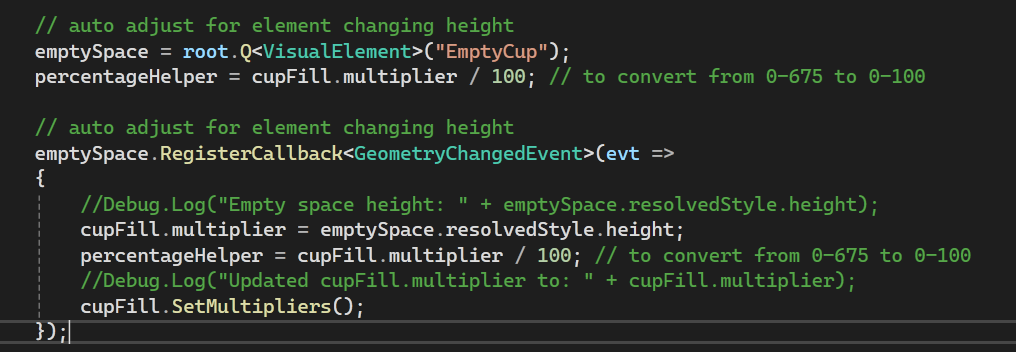 GeometryChangedEvent is important here because the Element doesn’t have a height until this triggers
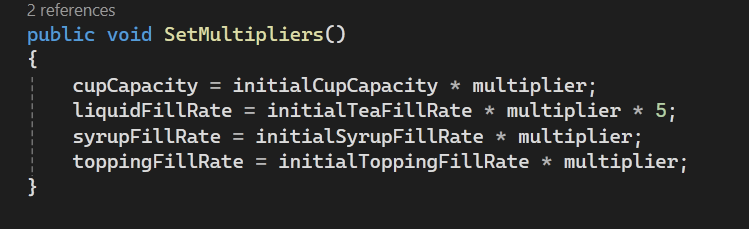 SetMultipliers is called when the multiplier is updated to the height of the empty space of the cup
I also added a Start over button and a Seal cup button to both have a way to reset the state and to “Submit” the cup for scoring. I added a simple recipe to check against too:
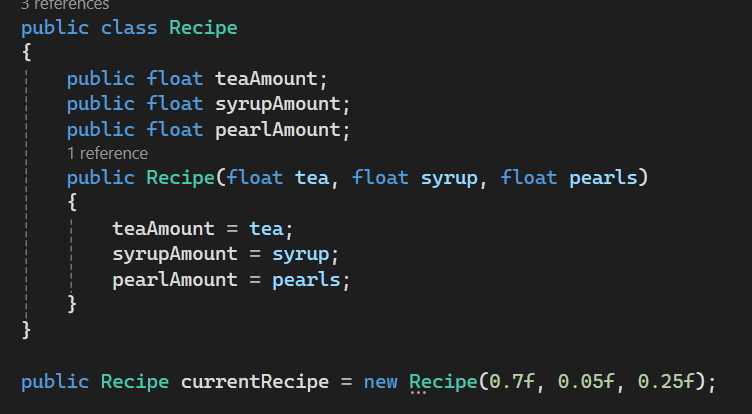 Visual Studio just gave me this
And this too
And the indicator lines should line up automatically to the current recipe when it’s all working together, I want to make people have their different orders, but not sure if the player should be guessing the modifications or just following lines. That’s decision after play testing.
I also added some placeholder text so we can have some status of the current stock and money - when it’s hooked up it will encourage the player to not be restarting furiously if they get the recipe wrong, because they only have limited stock in the day. Current money will also be the players score.
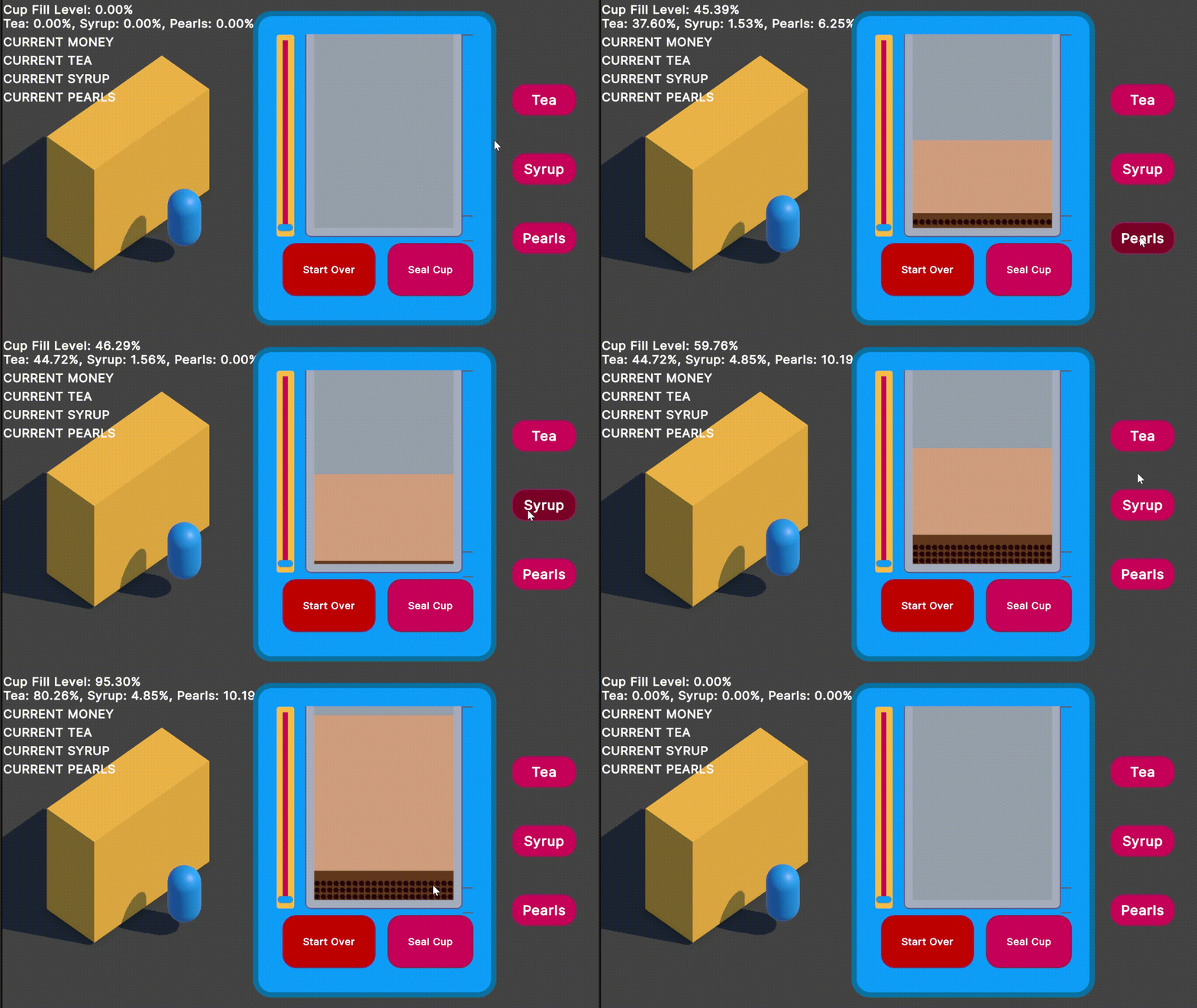 The slider!! It does nothing!!
 Some Debug.Logs for good measure
After adding a bunch more multiplier to the new stock variables I’m adding I’m thinking a converter would do better because I’d only have to convert it at the point of displaying. 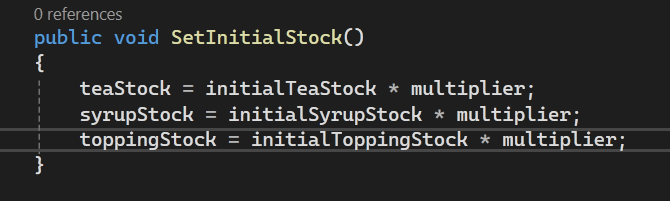
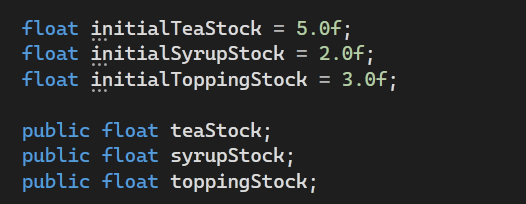 This is gunna get unmanageable
It might be time to do that so I don’t have a whole bunch of places to update, but for now let’s just get some numbers changing for stock.
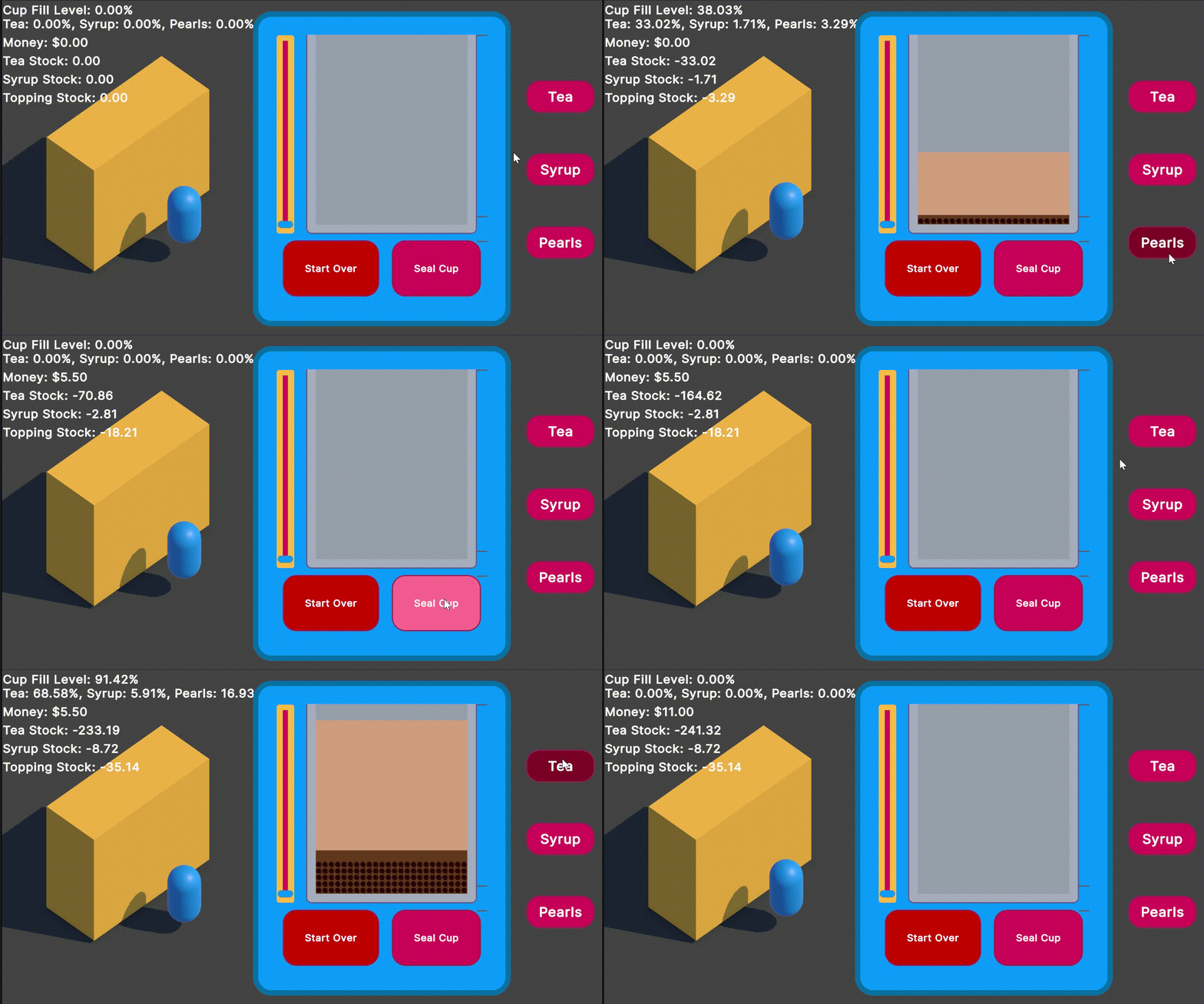 Pour Boba, get Money
Wow, this is beginning to be a game! The debug % should not be seen if you are a player, you should be eyeballing it like a grandma who cooks by feel (◕‿◕) I do love mid dev behaviour - right now if you slam the Seal cup button as of now you are charging $5.50 for an empty cup.
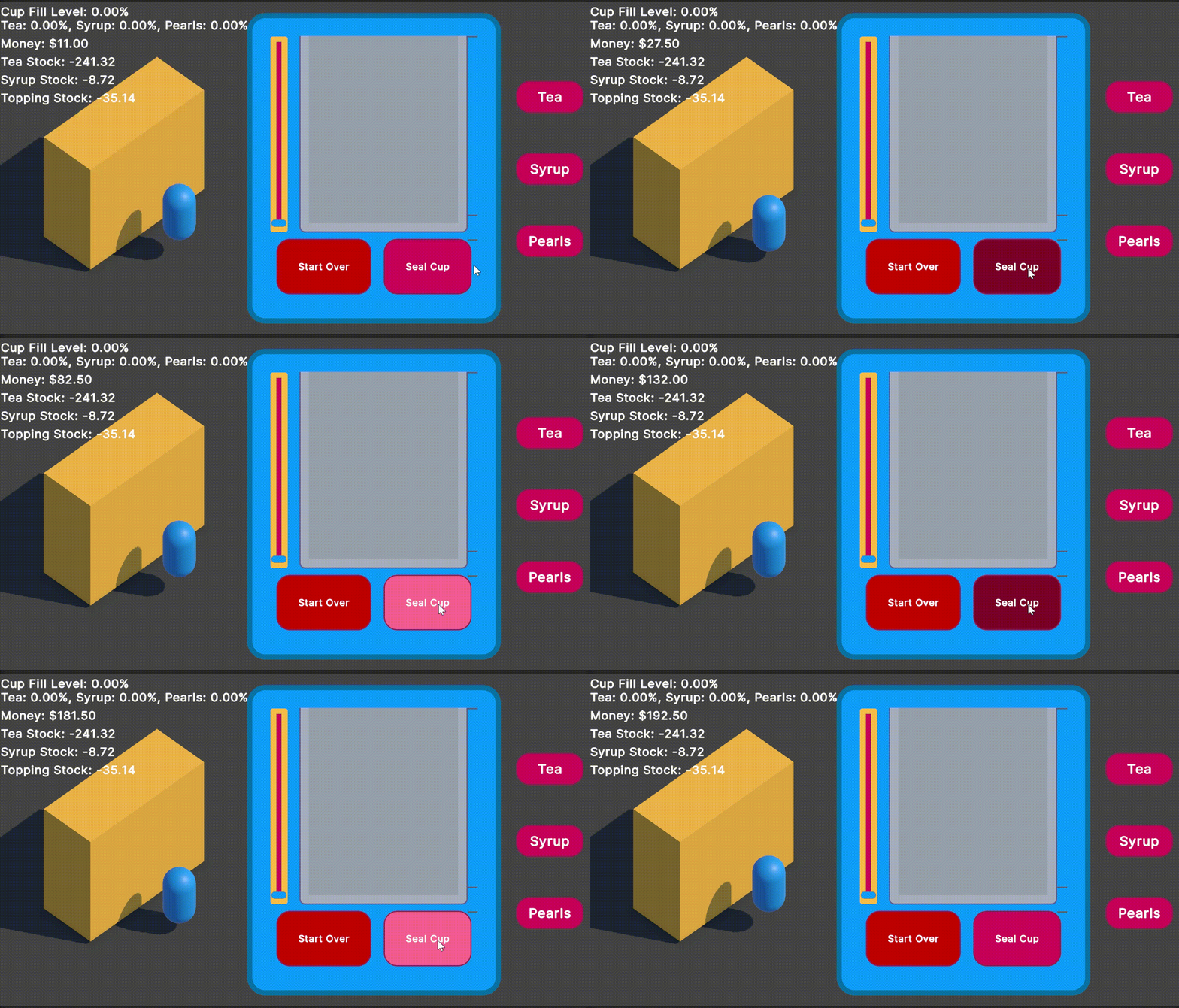 Capitalism!
At this point I can talk about what I plan to put in this prototype:
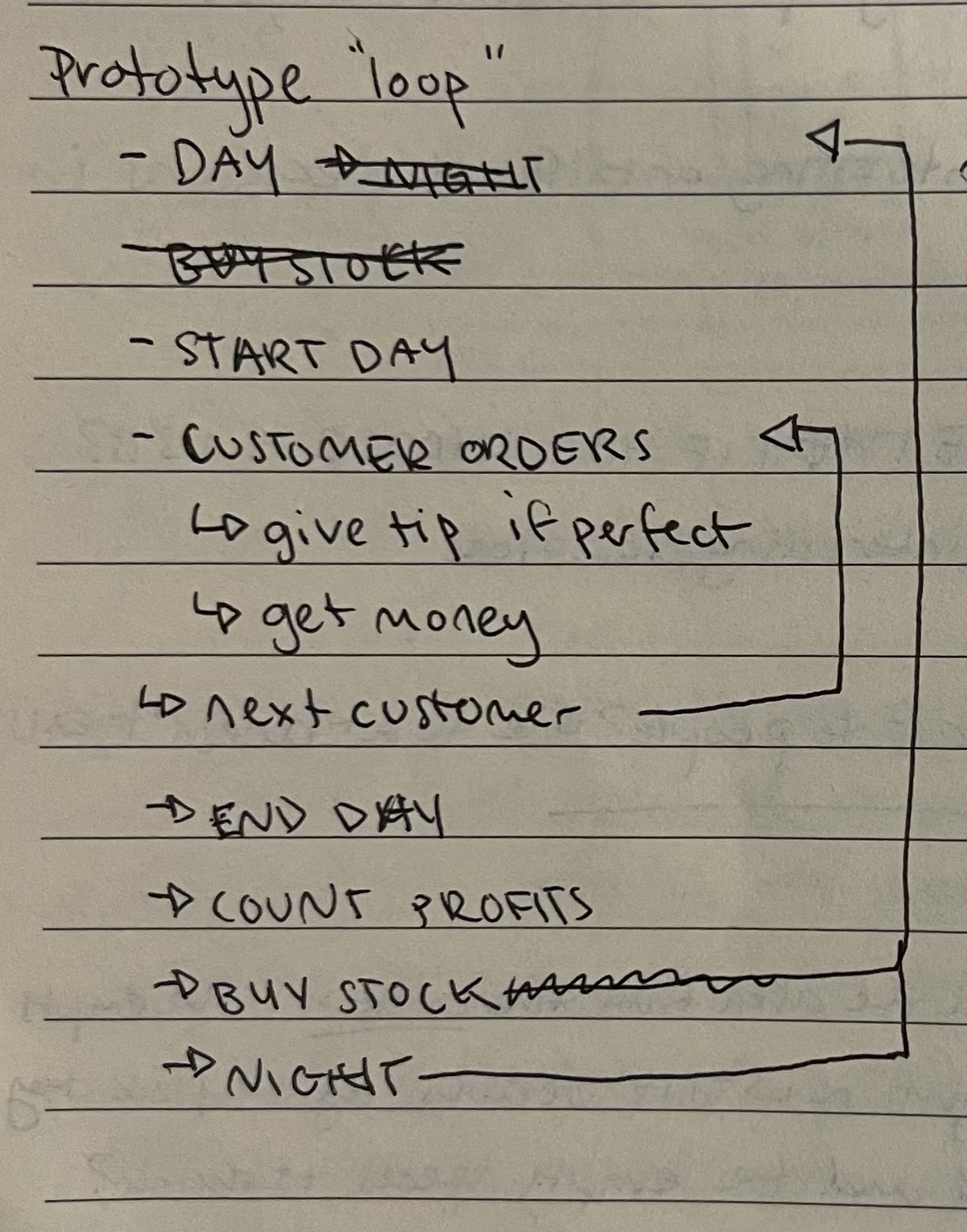
I’m working from the inside out here, starting on the customer order. I’ll keep filling outwards until this can be a game with many days accumulating more money, and the upgrades will go into the Buying stock phase eventually.
But this was all what I did while not fixing the mechanics of the slider. It does make it it more easy to play test for myself and probably someone else, and it helps a bit with dev too.
Now for the slider: I want it to only be pouring as you hold down and push forward, and when you let go it’ll tip back quickly but not instantly.
I did a bit of tweaking to get the slider working again and tried to minimize the bugs when its there with the hold to pour buttons. The buttons should be selecting the ingredients if I have it this way really.
I’ll stop for tonight but I’m pretty fired up for more of this!