Ultimate Indie - Week 2 day 2 Prototyping Boba Tycoon continued
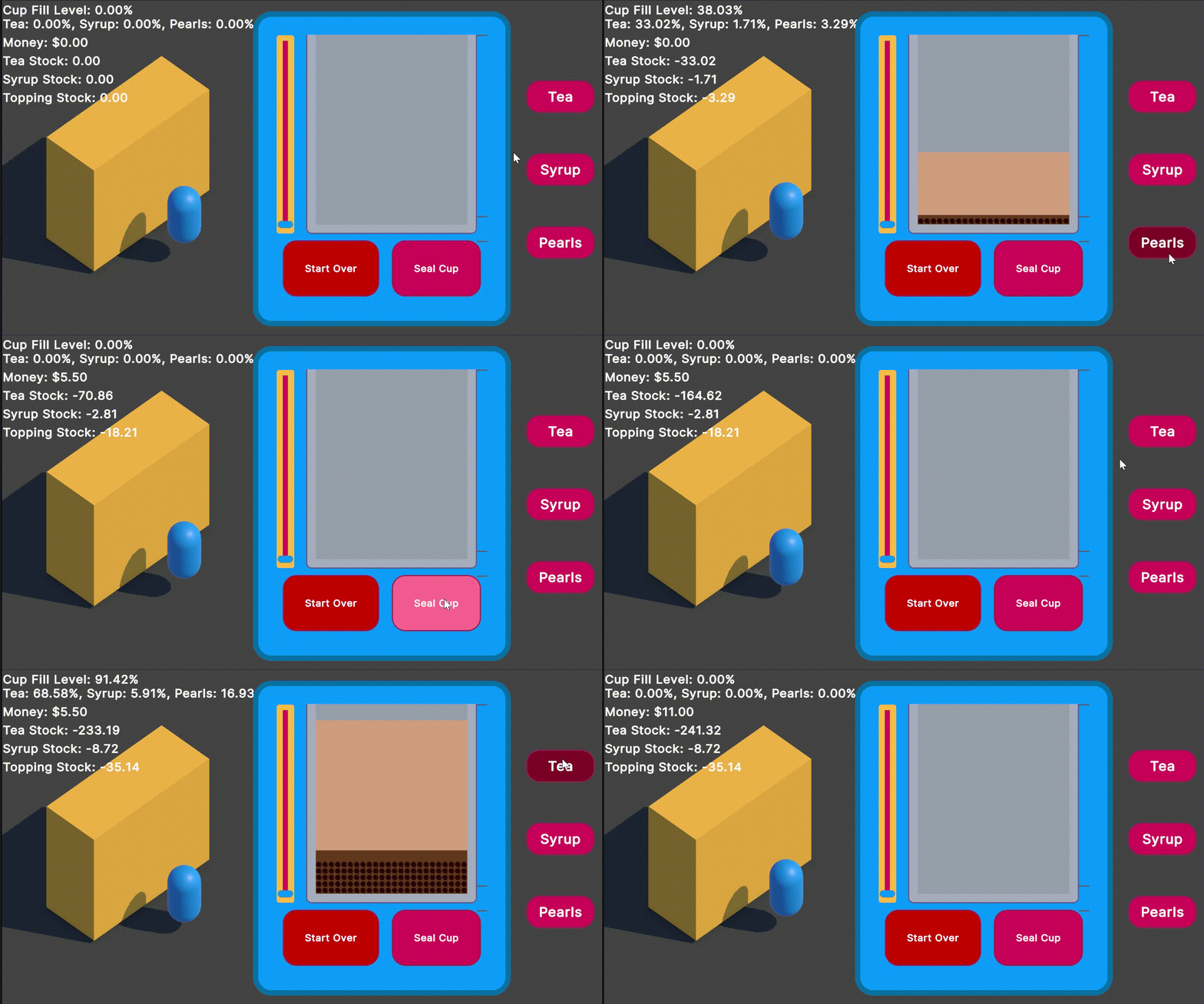
Back to work: my main focus is to get the slider working how I want. I think I will also get the buttons to be selecting the ingredient rather than filling it and have the slider do the pour.
I may have to just make my own element since the built in slider seems to have pretty locked in events?
I’d also love for the customer to have a speech bubble as they get served too - like:
- “This is too sweet! ☹️” or
- “They gave me extra pearls!
 ”
” - “They got it juuuust right
 ”
”
These are of course more additions! My goal for today is to get this to be a playable prototype to get feedback on.
Prototype todo
I need to:
- fix the slider, or have a custom hold and drag interface
- write a converter so i don’t need multipliers everywhere
-
use the buttons to select the ingredient - align the indicators with recipe amounts
- fix stock numbers
- prevent pouring when stock is 0 for ingredient
- add cups and cup seals to stock
- prevent sealing cup when cup is empty/under a threshold
- give visual + maybe sound feedback for receiving money
- give visual for getting it right + getting a tip
- “end” day when stock is out
- show end screen with money earned
This is a pretty big list but I think this is doable because they are small tasks instead of high level features. At some point I do have to watch some more of the videos from Ultimate Indie, the last I watched was for prototyping but there are some new ones on project management that may be a good watch for keeping on track. I can’t have all my todos in these blog entries forever 
Also it dawned on me that I’m making a very UI heavy game and Mike is making the action shooter like the two beginner games I heard about before 😂
I also now have emojis on my blog thanks to Jemoji! Very easy install. I tried to add furigana support because at some point I may write some Japanese for practise but it was not working as easy and it’s not for now! Enough with the sidetracking, I’ll pull a task off the top so I don’t bother with deciding “what’s best next.”
Fixing the slider
Often when I run into a problem, breaking it down into smaller things helps. Right now the issues is that the slider I have does not give me a pointer up event. I have read that the in built slider is a pain to modify, so I can sit here and try to make this slider work for me, or I can go back to the basics: what do I need from this UI element?
To be able to click and hold and drag an element up a track up or down, and once released to ease back to 0. It can probably just be a regular VisualElement with event callbacks registered.
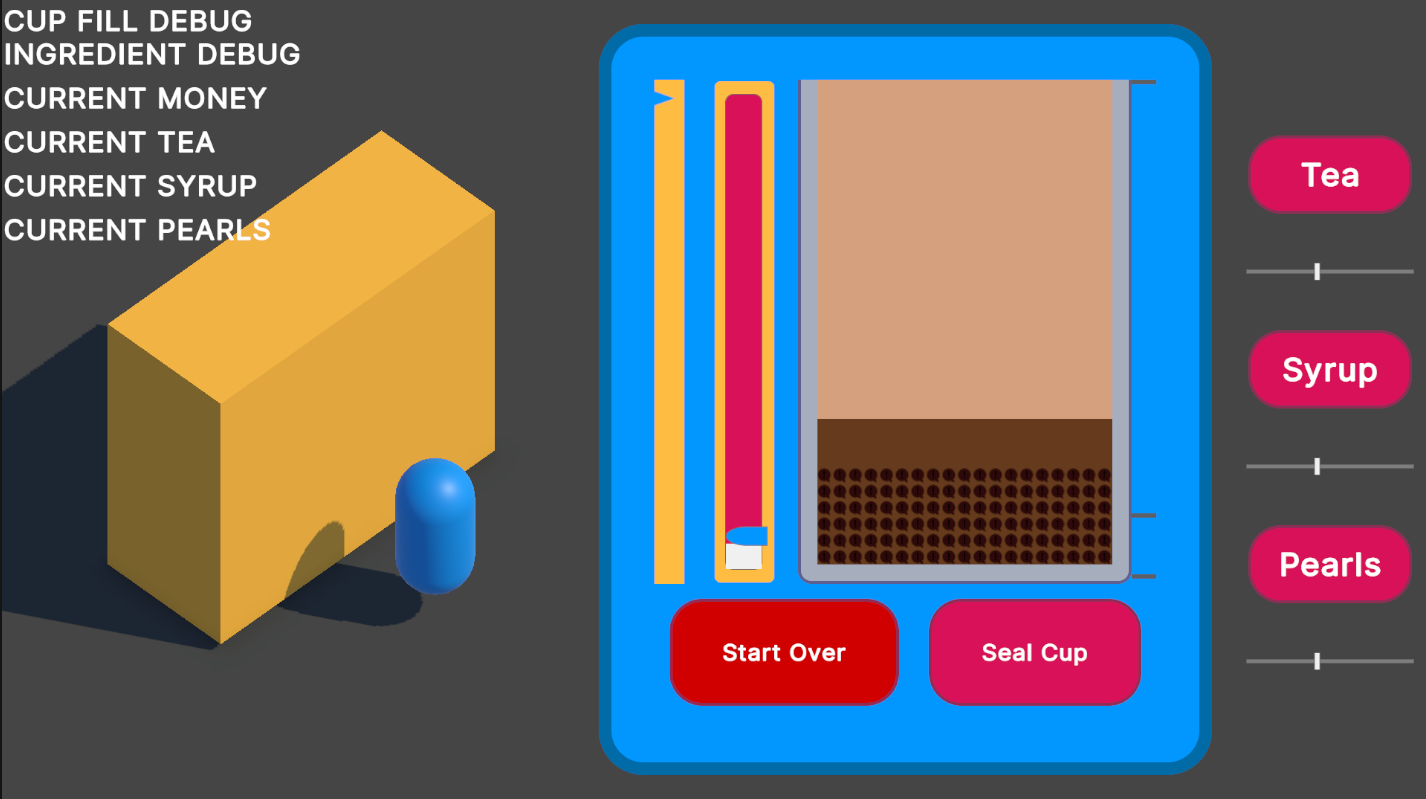
I am also not 100% sold on this one slider so I’ve added the multi ones on the side for my to test out myself as is easy to implement.
 Sliders everywhere
Oddly each slider seems to stop the other ones from pouring, which is not intended. I think it would be an extremely high skill level to get them pouring all together and match a recipe.
I also found a couple of articles that talk about hiding the cursor and locking or confining it in place so the cursor doesn’t move off the window.
I also grabbed some royalty free sounds from Pixabay because I was feeling that the silence was a little lonely My idea for bgm is just some cute lo-fi and some simple SFX like cha ching! for when you seal the cup and an extra noise for if you get a tip. I deliberately did not try to find the “best” but more like the first one I liked I took. These are all placeholders so they don’t need that much care!
Lofi was the vibe I wanted
It’s easy to get side tracked when you are faced with an unknown 😮💨 I do think I need to fix up these sliders, I really want the let go to make the slider decay on its own. I sent a current build to Mike and he said he thinks there needs to be an off button, but he loves that you can pour many ingredients at a time. This could potentially get really hard with more toppings in the drink order.
I think custom ui elements are the way to go because it’s not actually a 1:1 behaviour of a slider that I’m after. I wish there was some easier way to modify the base components. It’s okay though, I don’t need it to do everything!
- First I need to constrain the mouse to the space of the VisualElement
- And then I need to change a value with the moving up and down of the mouse
- And then I tie an element to move with it
- and the finally, I hide the mouse on holding the pointer down
I’m at the end of the day again, I spent too much time on other stuff avoiding what I thought was difficult, but after writing the steps it doesn’t seem hard 😂
All while trying to figure out this custom slider, I added:
- Background music
- Sound effects
- A main menu
- Stock numbers
- Extra sliders
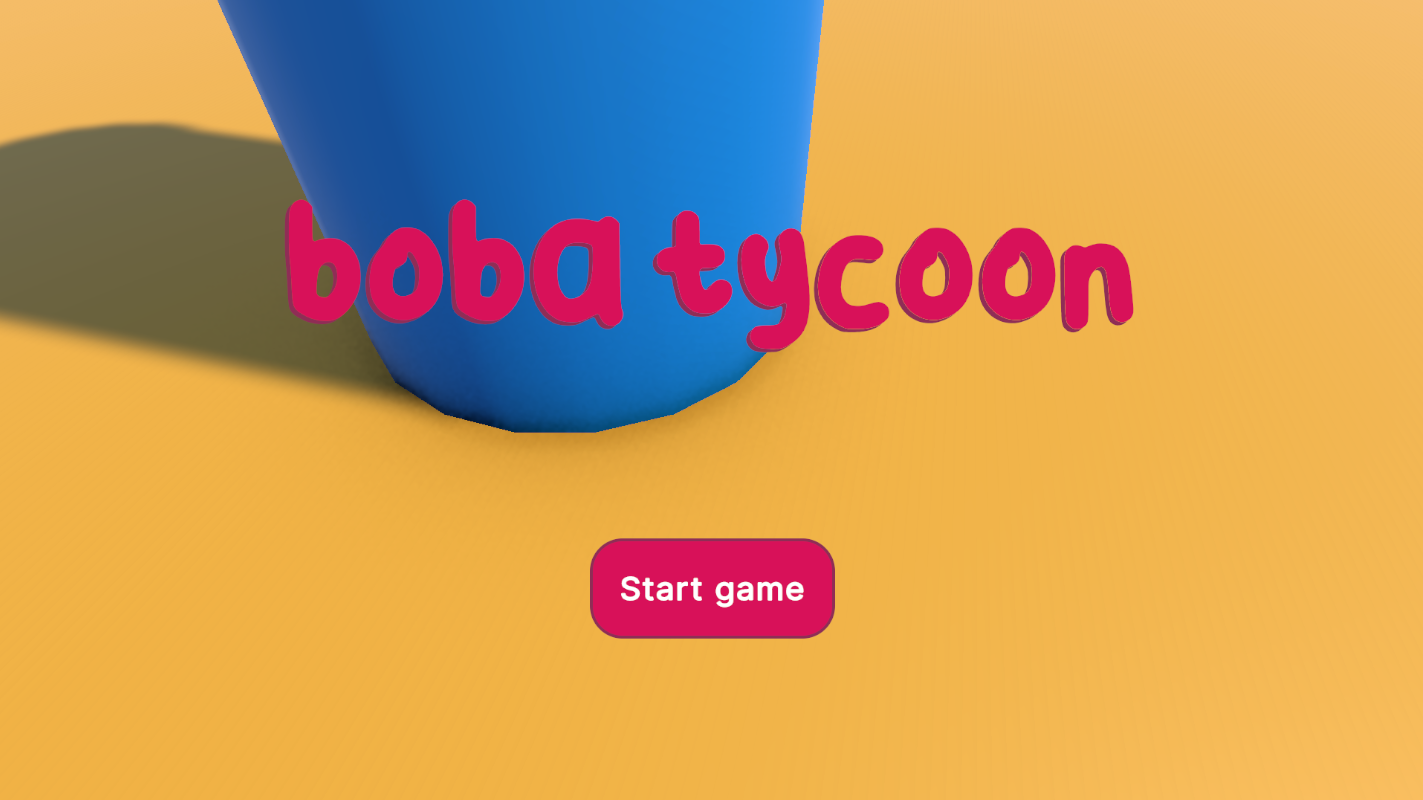
Most of this I did not have on the list up top. There is always a lot to do 😅 I should be able to get on it tomorrow with the list above. For now enjoy the main menu screen I made: