Ultimate Indie - Week 1 day 4 Prototyping Boba Tycoon
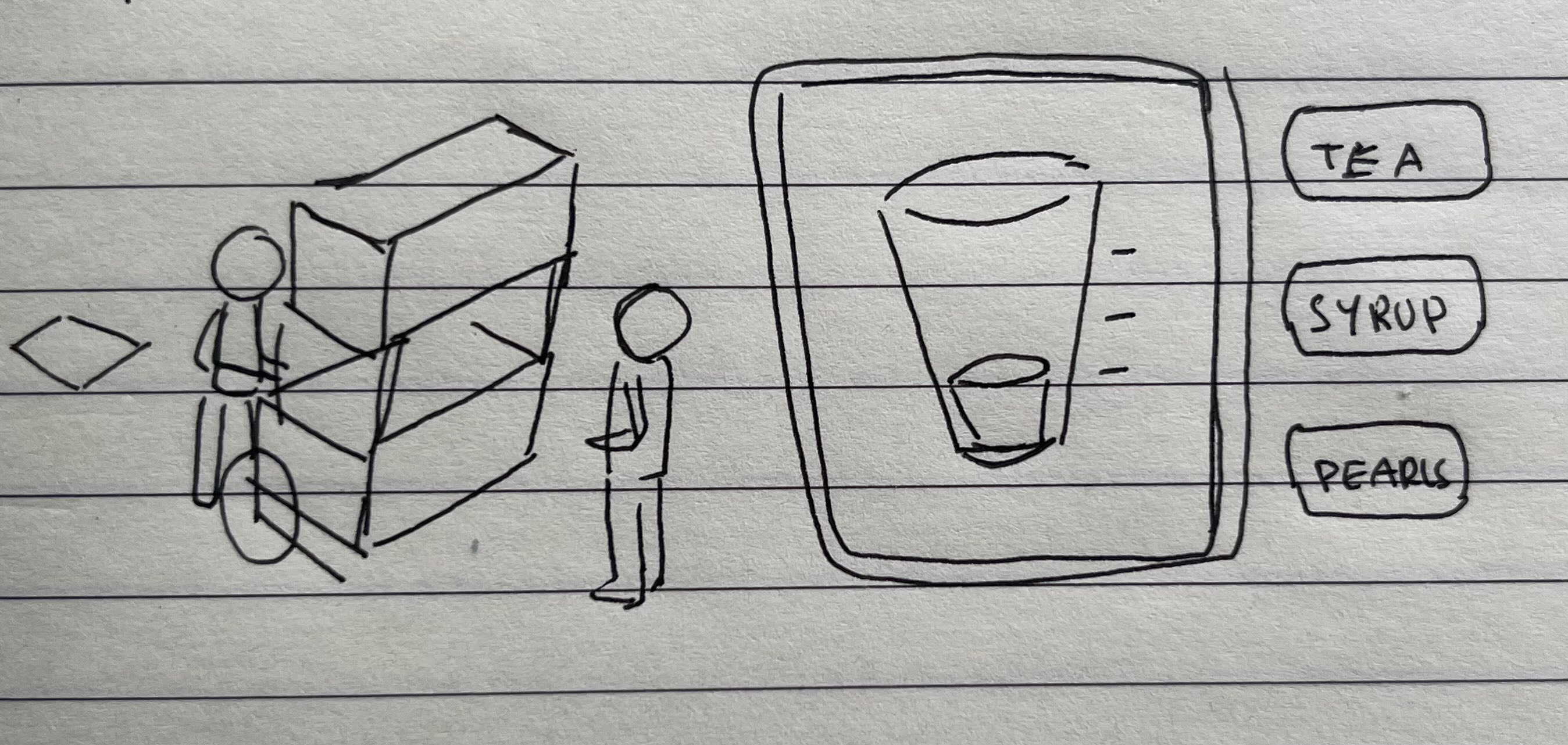
I’m up to prototyping Boba tycoon and I actually found having a process blog while I figure stuff out to be pretty helpful.
I actually drew the thumbnail image for this kinda quickly when I realised I’d have a visual for the other two but not this one. So I’m now glad I have a rough idea of how it will look to start!
Concept Summary
I’ll paste what I had from the earlier post and expand a bit on what I have defined, as well as some additional ideas (marked in bold) that have come up:
Theme
You start with a Boba Stand and a dream to make an Empire of Boba!
Core Mechanics
- You start by buying stock to sell cups of Boba, starting with 1 flavor and 1 topping. → Think the old school Lemonade Stand game
- You have a prep stage, so you make your tea and pearls for example
- You manually craft the drink, filling ingredients to the right lines. → A mini game to make each drink.
- You can choose your menu with different offerings with different profit/cost and chances to sell based on the weather/other conditions
- People have different wants → like Rollercoaster Tycoon and park guest intensity, value perception etc
- You can research recipes
- You can discover recipes by combining things
- With each day you play you gain profits to buy more stock + ingredients.
- Eventually you can afford a machine to automate one part of it, and another and another etc
- Eventually you can afford to open a store to hold more machines to hire people and automate more.
- Eventually you can start a factory to automate for the high demand! → I wanted this to be actually placing factory parts to assemble a line, not just faster production. So a different system opens up
Meaningful Choices
- How to price your drink to make profit
- Which upgrades to purchase
- When to expand outward or upward
- When to purchase new ingredients to attract more customers
Risk VS Reward
- Buying upgrades/stock/expansion with the risk of going bankrupt because of ongoing costs.
- You have a limited amount of time to make the goal [This is a maybe. I think this can work without a time limit]
- You can put more novel menu items up that you can charge more for but people may not buy it
Extra notes
I asked for a bit of feedback on the initial ideas, and one of my friends linked me this video:
I like this a lot and it may be beneficial to have a daily goal to reach visible on the screen most of the time as a helpful indicator to see if they have passed/failed the checks to know if they can open up to the next stage.
I also went to look up RollerCoaster Tycoon’s system on the park guests and actually liked the idea of people wanting to queue up or not. There will need to be some kind of randomised stats on the customers that match up to the conditions and offerings on the menu.
Constraints
I was struggling to think of what this prototype needed but remembered there was a video on prototyping in the Program videos available so I watched it before coming back to continue this!
Here I will set my constraints:
- Primitive assets only. Cubes, capsules, squares, triangles - no compounding!
- Focus on core mechanics
- Skill based over luck based
- Get feedback ASAP
Scope
The actual scope of this prototype needs to be small. It won’t have most of the things listed up in the initial notes, because I only want to focus on the core mechanics. The core mechanics is what the player will be doing for the majority of the time.
What will the player be doing most of the time?
To me it seems like the player will be making drinks and balancing stock and costs. I am a fan of Cooking Mama so I’d love some cooking mini game elements, but the most basic thing I can think of is pouring the right amount of ingredients into a cup.
Stock items should be stuff like:
- Cups
- Tea
- Milk powder
- Pearls
- Straws
- Syrup
richpeabiscuit who is also doing the program said that it was cool to see the pen and paper vision, which makes me think it may benefit me to do thumbnails on paper before I try to put a new scene in Unity! Lucky for me I studied graphic design so I have some experience iterating screens.
I watched a few Bobarista videos for research but after talking a bit with Mike, I think I was researching for parts I’m not yet up to. Instead of overthinking it I’m going to start making the damn prototype.
Prototype
Initial Visuals
This is going to be pretty boring as a play by play if you know Unity basics. Feel free to scroll to the bottom if you just want to see what I ended with by the end of the entry.
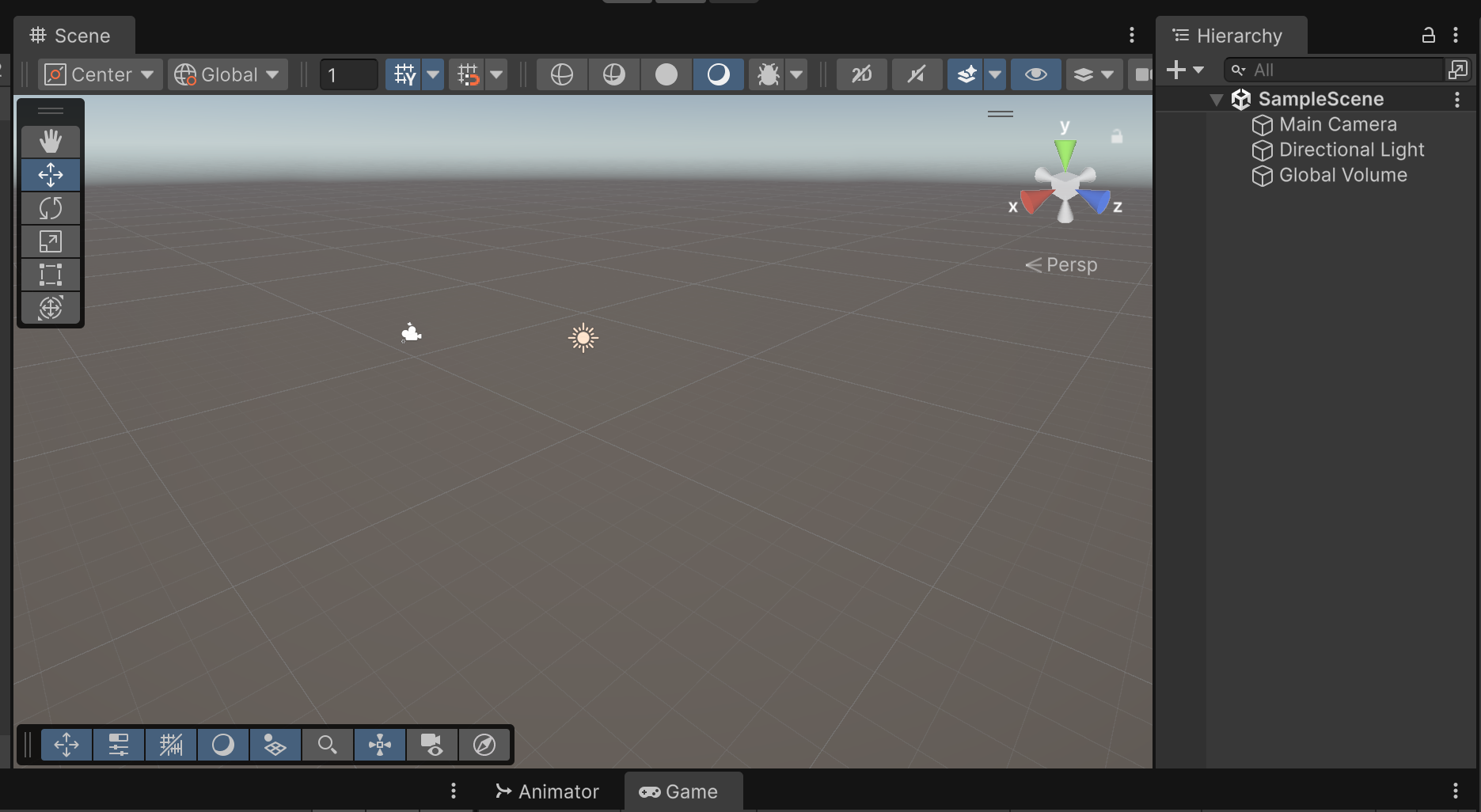
I start with a 3D project. I love the look of 2D pixel art but shadows and lighting are best in 3D.
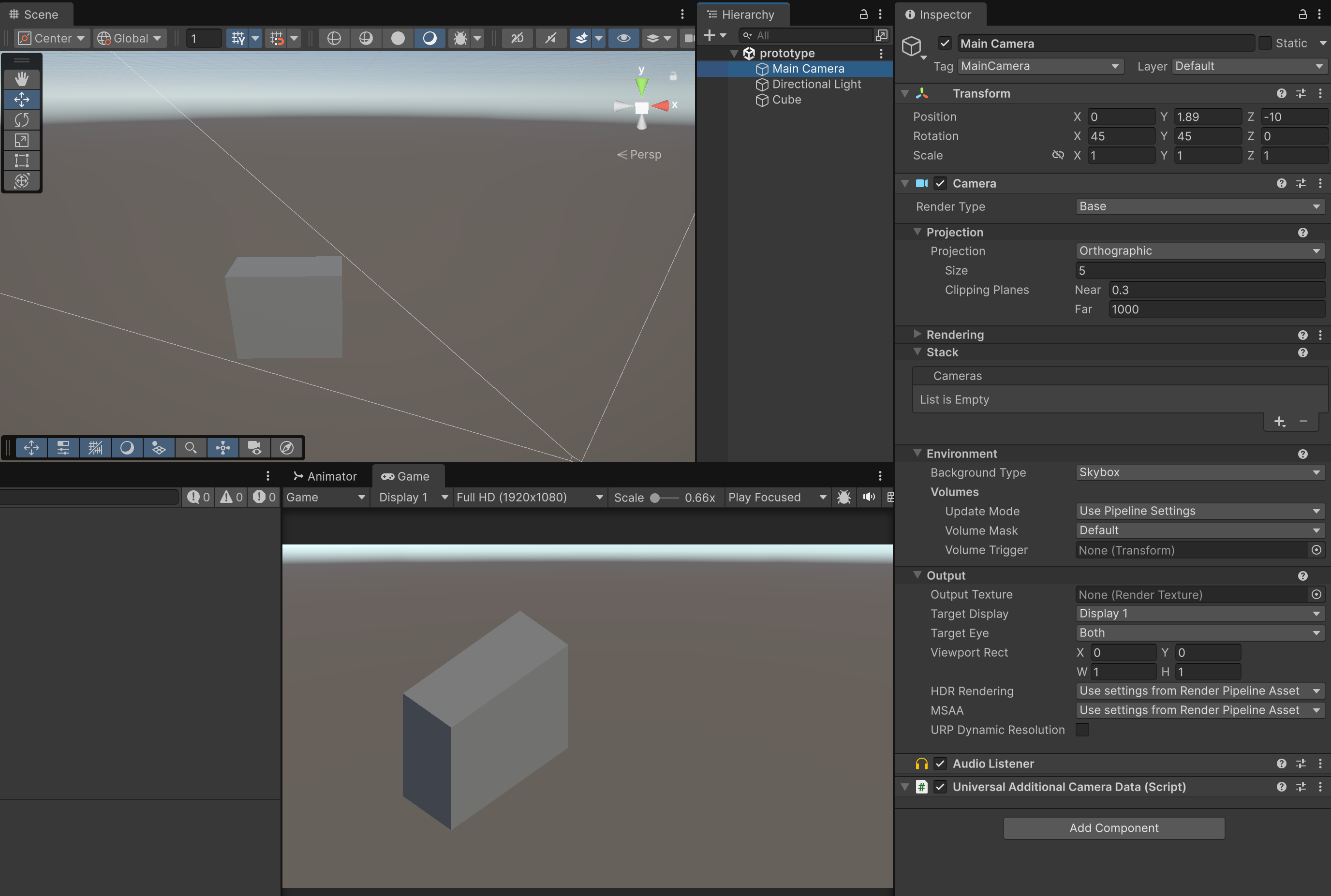
Next step is to make it look 2d: Isometric camera faking! I added a cube, resized the proportions a bit, resisted the urge to add more cubes to make it look more like a drink stand, changed the camera projection to orthographic and set the rotation to X:45 and Y:45.
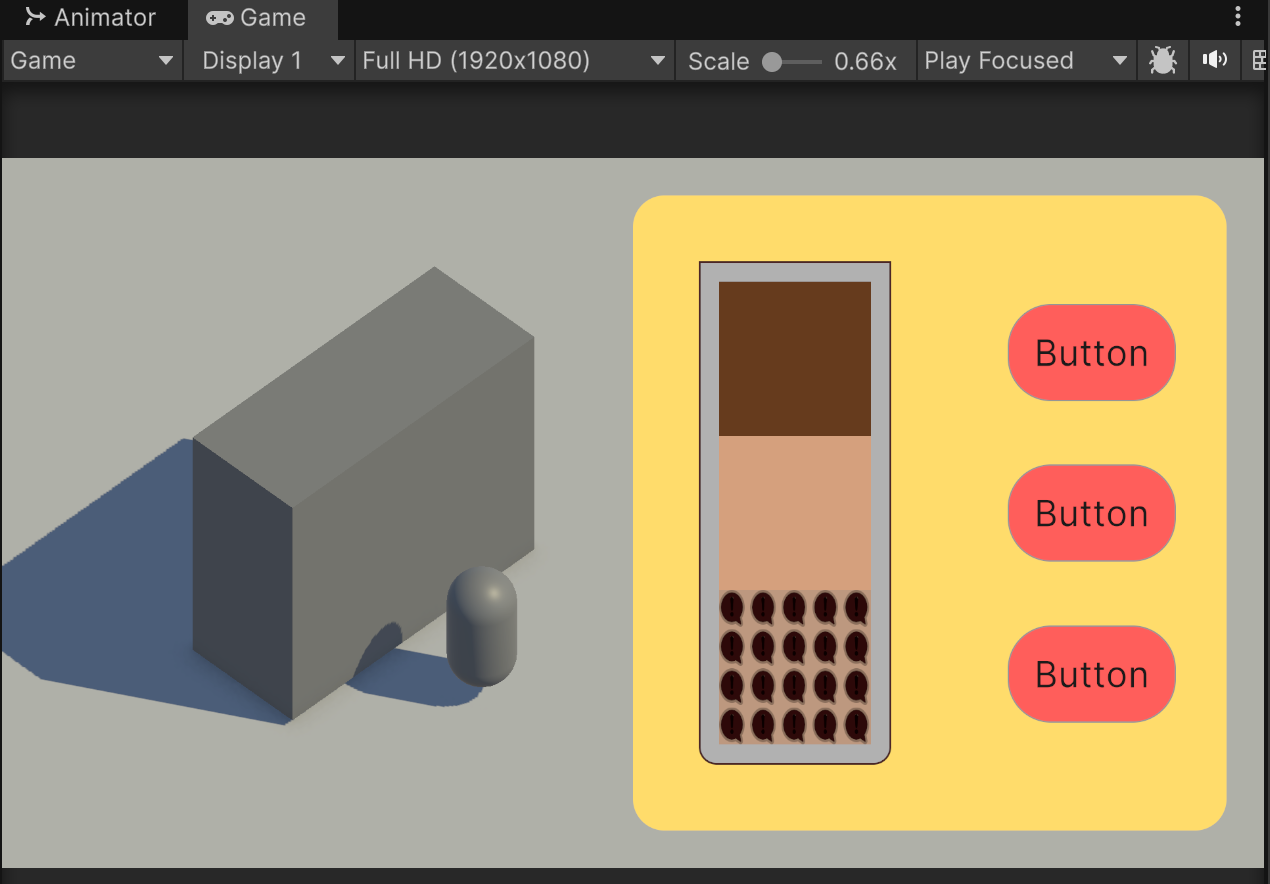
It’s looking good so far! Next I add the capsule for a customer, a plane for the floor and the starting of the UI for the cup filling mechanic. Messing round withe the directional light makes me want to have daylight changes for time of day and weather.
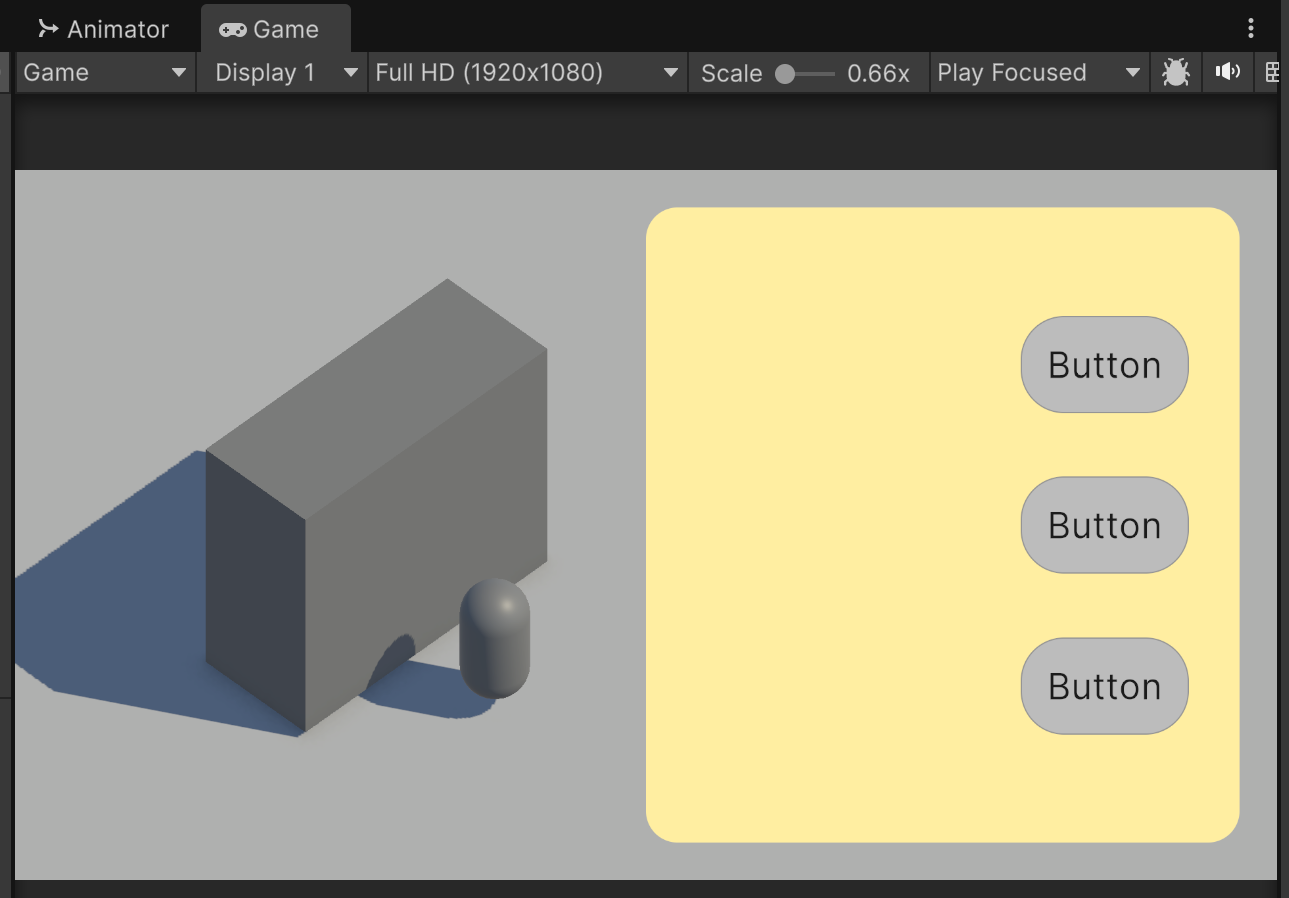
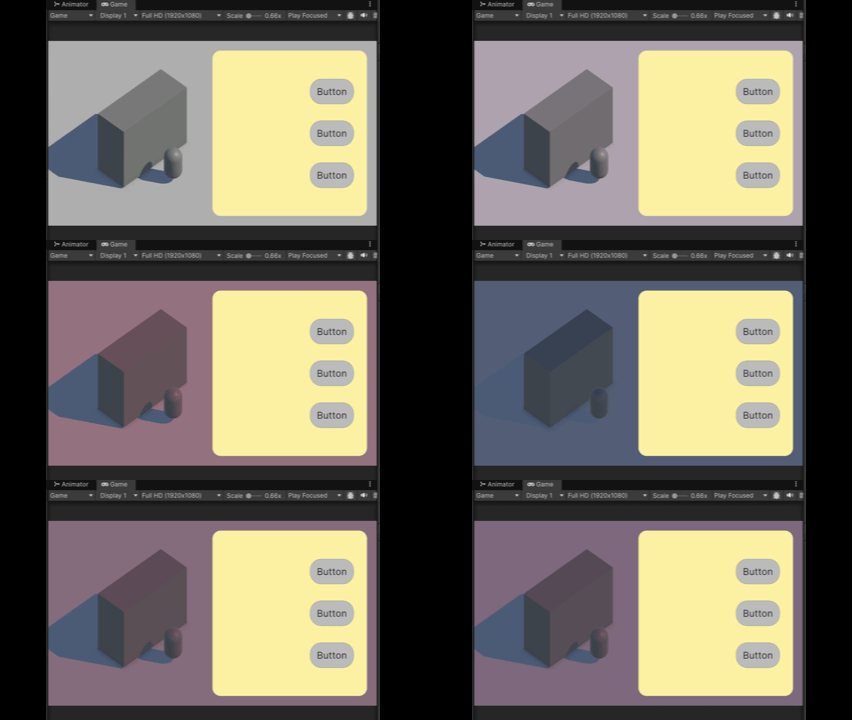
Now to add the cup and get the to scripting.
Scripts
What I need for the scripts to work:
- A way to keep track what what different things are in the cup
- A way to keep track of how much of each thing is in the cup
- A way to keep track of how much is in the cup completely
- A way for the buttons to fill items gradually on hold
- A way to “finish” the cup
I started to add more to this list but I’m sure this is enough to go off for now. The first step should always be to get the results in the console, so you know the values are what you expect before even trying to hook them up to anything representing them.
Now with the smallest bit of code to get it working, with the click of a checkbox it’s logging out the cup’s current volume and stops when it gets to 1.0f. Perfect!
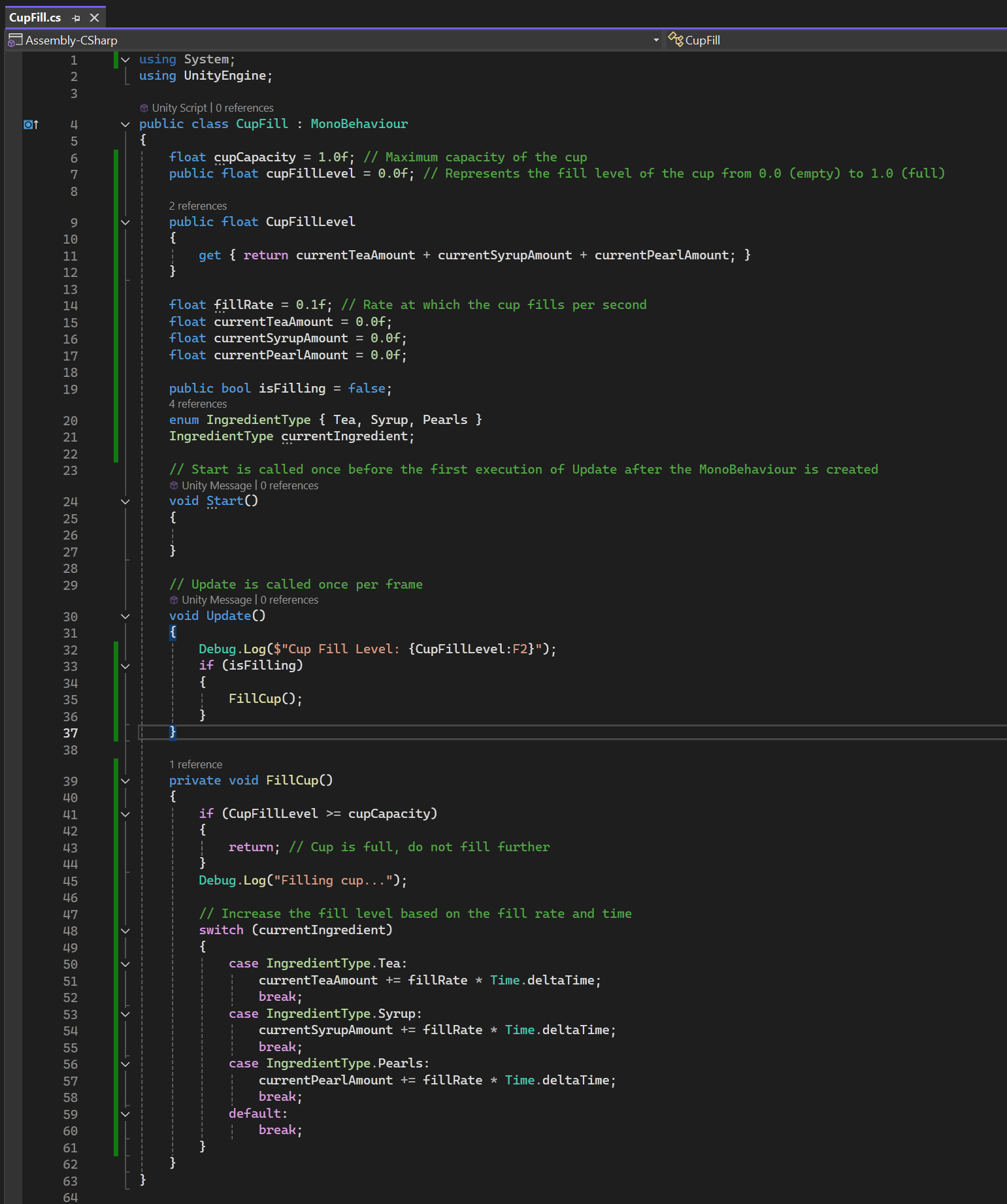
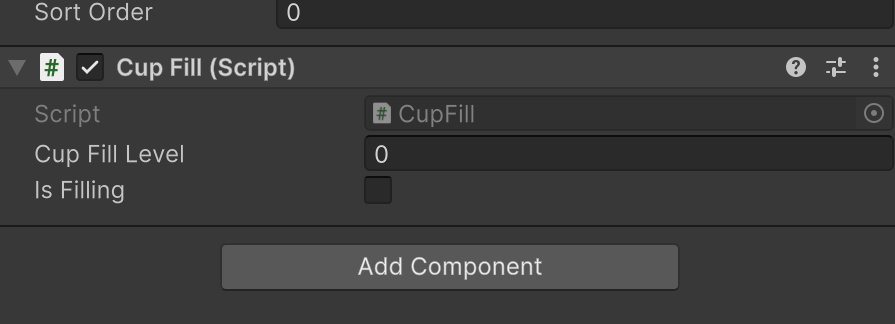
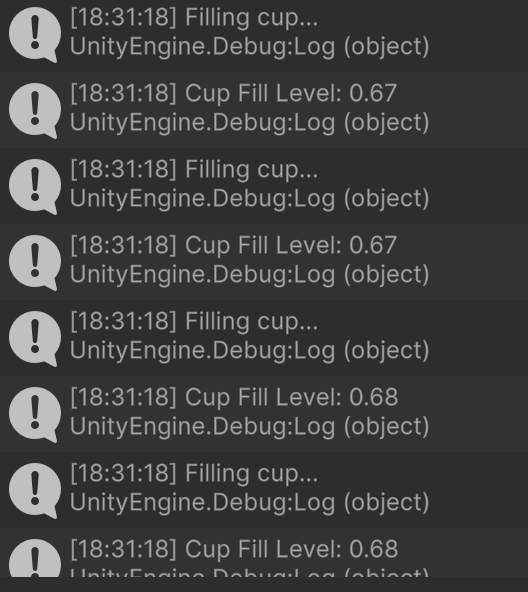
Ideally I want the fill rate to ease into top speed and then ease out a tiny bit when it stops. I think I can add this after I get the lines animating.
UI Interaction
I think I want to hook up the buttons first, so I’ll make a second script for the UI specifically. Again, the Debug.Log on button click is the first step. Is unit testing a thing in GameDev?
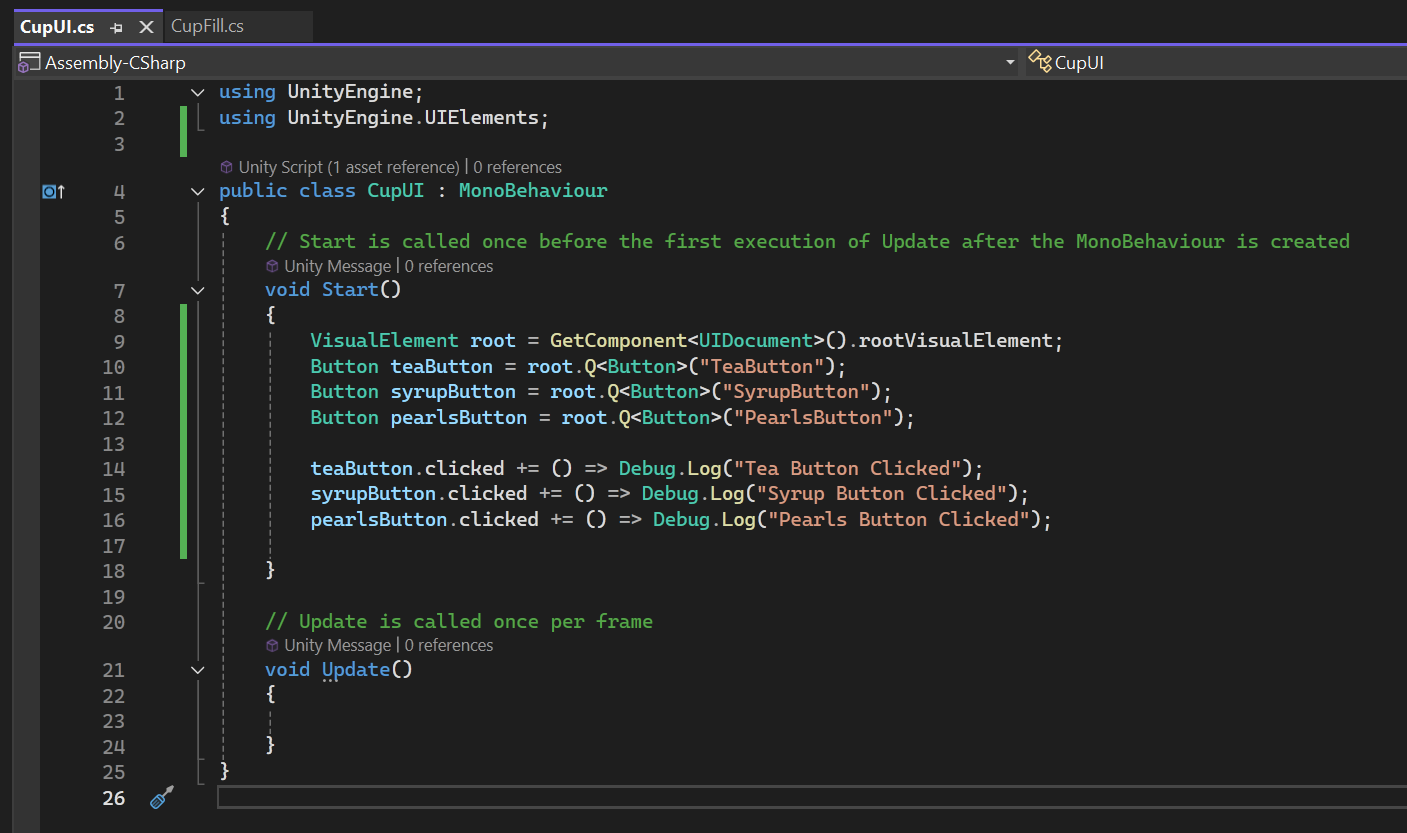
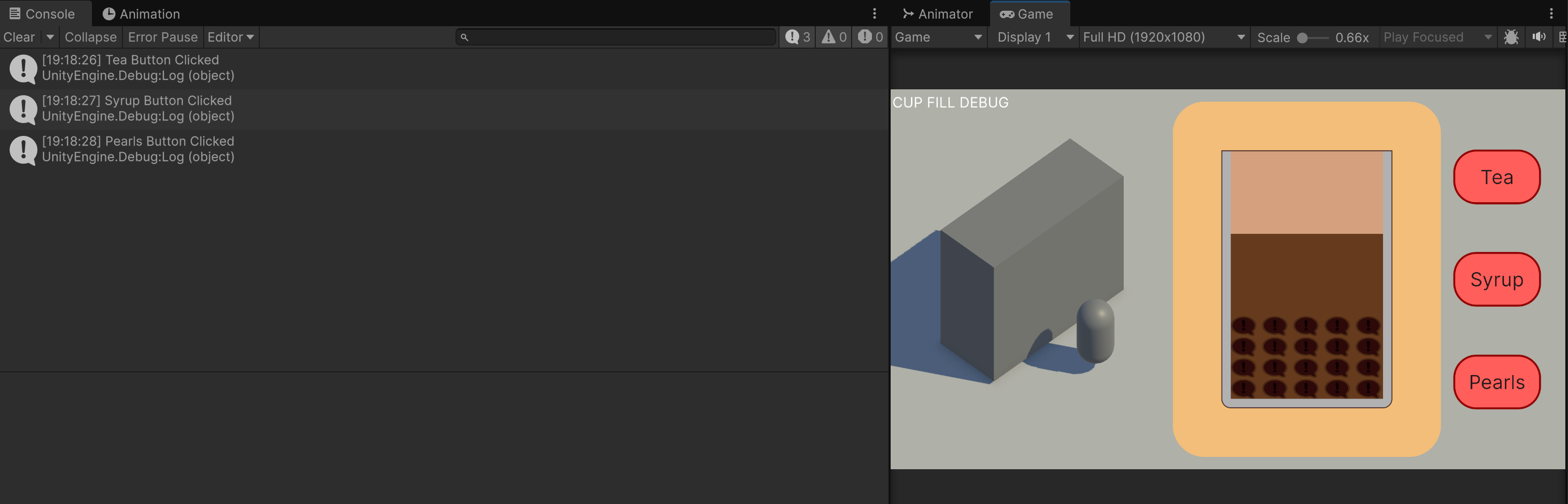
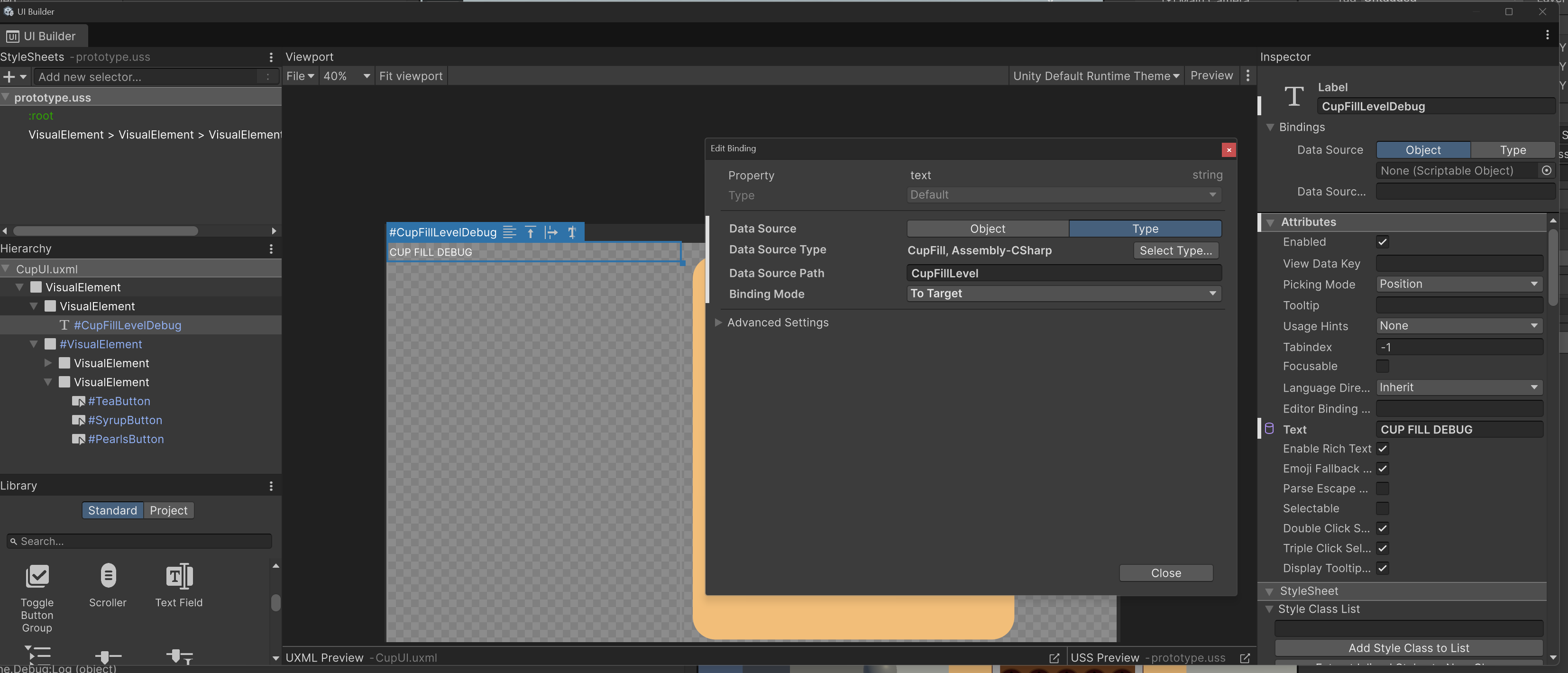
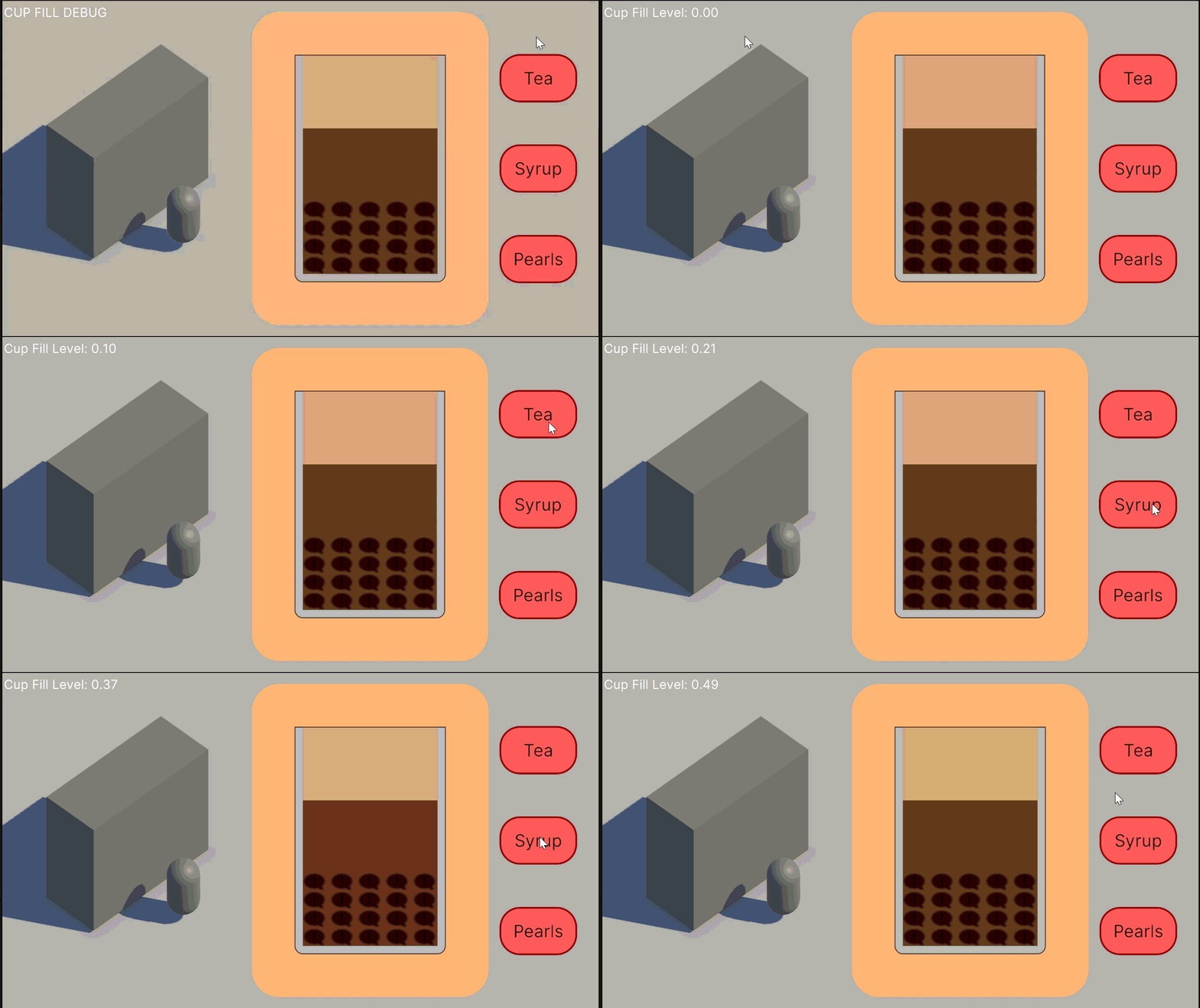
At this point I hooked up the buttons so they set isFilling to true on a click and isFilling to false on release. I also added a text debug because for some reason I couldn’t serialise the getter I put for the total fill level of the cup, and so couldn’t monitor the % filled unless I had it in the logs.
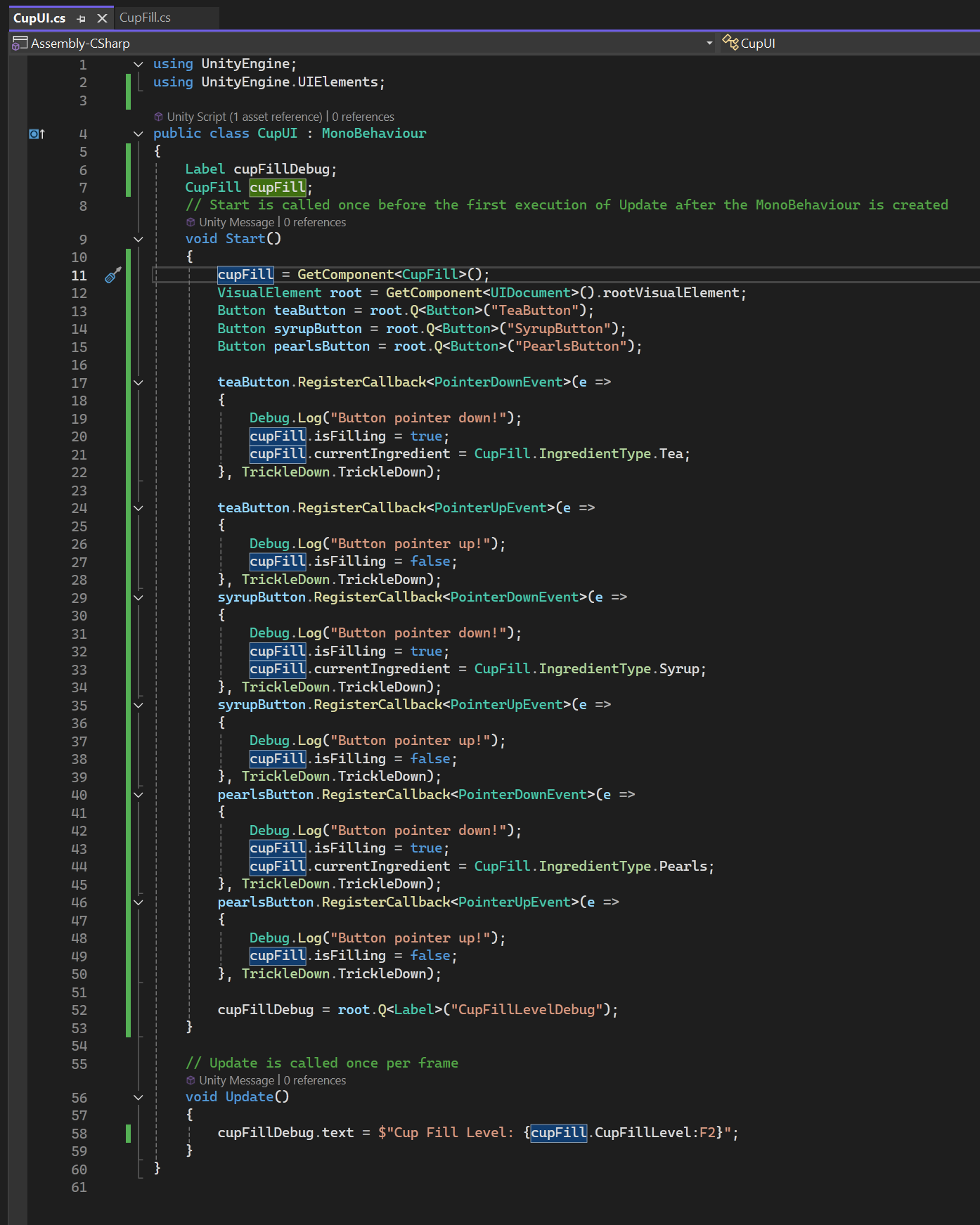
Hooking it all up
So now I have to represent it with the UI kit elements. It might end up being fiddly and I might be better off representing it with a 3D Cylinder but I’ll give it a go with this first because that’s what I have and I’m not actually sure if I can put another “view” in Unity.
I had to play around a bit but I figured out how to get it look like it was filling from the bottom! I was hoping I wouldn’t have to do any extra draw features and just use the base elements and it seems like it worked! It actually had some issues with barely filling up because my values are float from 0.0 to 1.0 but the values expected for the elements to expand are actually 0 to 100, when bound correctly in the UI toolkit interface. I haven’t quite fixed the numbers here yet but here it is in all its glory! A cup filling up:
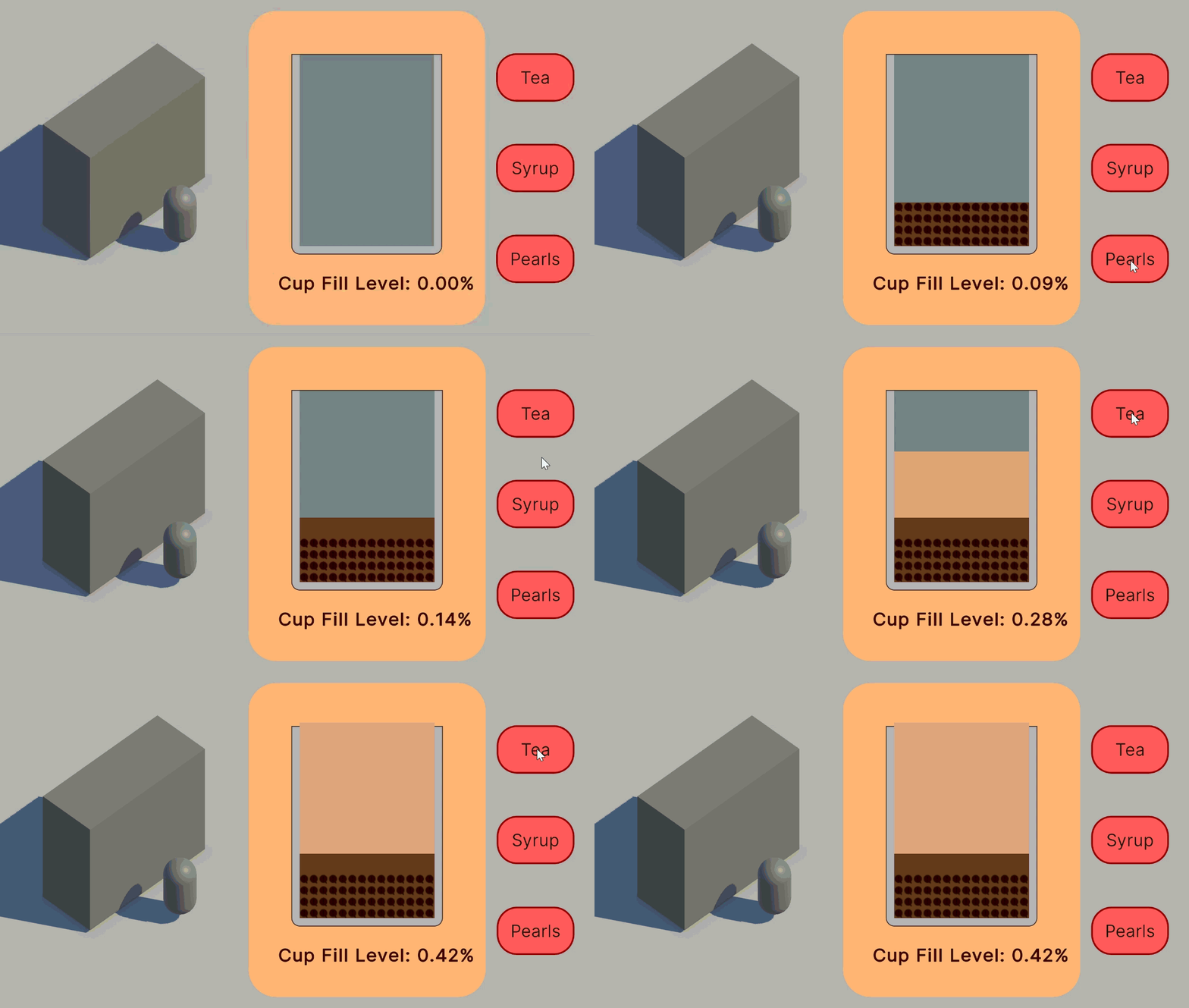
I had actually changed their fill rates before making this gif, as I thought that things flow differently - liquid like water is what I would call the control rate, syrup is slower and the chewy tapioca pearls are faster, and actually should do some sort of irregular rate as they are large pieces. I wonder if I can define a curve to the pour rates?
Already I am kinda having fun trying to make it not spill over and I wonder if I could even make variation with these 3 ingredients - when I get boba my regular order is half sugar because full sugar is too intense for my palette. I think the fill line indicators will be an important guide and there should be some area to aim for, like so many other minigames where there is a small hotspot for a bonus. I didn’t intend for you to be able to spill it! The code is meant to stop you at 100% but that can be a risk reward - getting the perfect amount or risking spillage.
@stefanjohnturner Boys will be boys 😂😅#foryoupage #fyp ♬ original sound - Stefán John Turner
My first port of call is to fix the numbers though. I may need to write a converter so it can multiply the values properly so the UI Toolkit elements can display the ingredients properly. I also realised after seeing the gif that the UI box BG is extremely close to the milk tea color so I’m changing that right away.
The first prototype
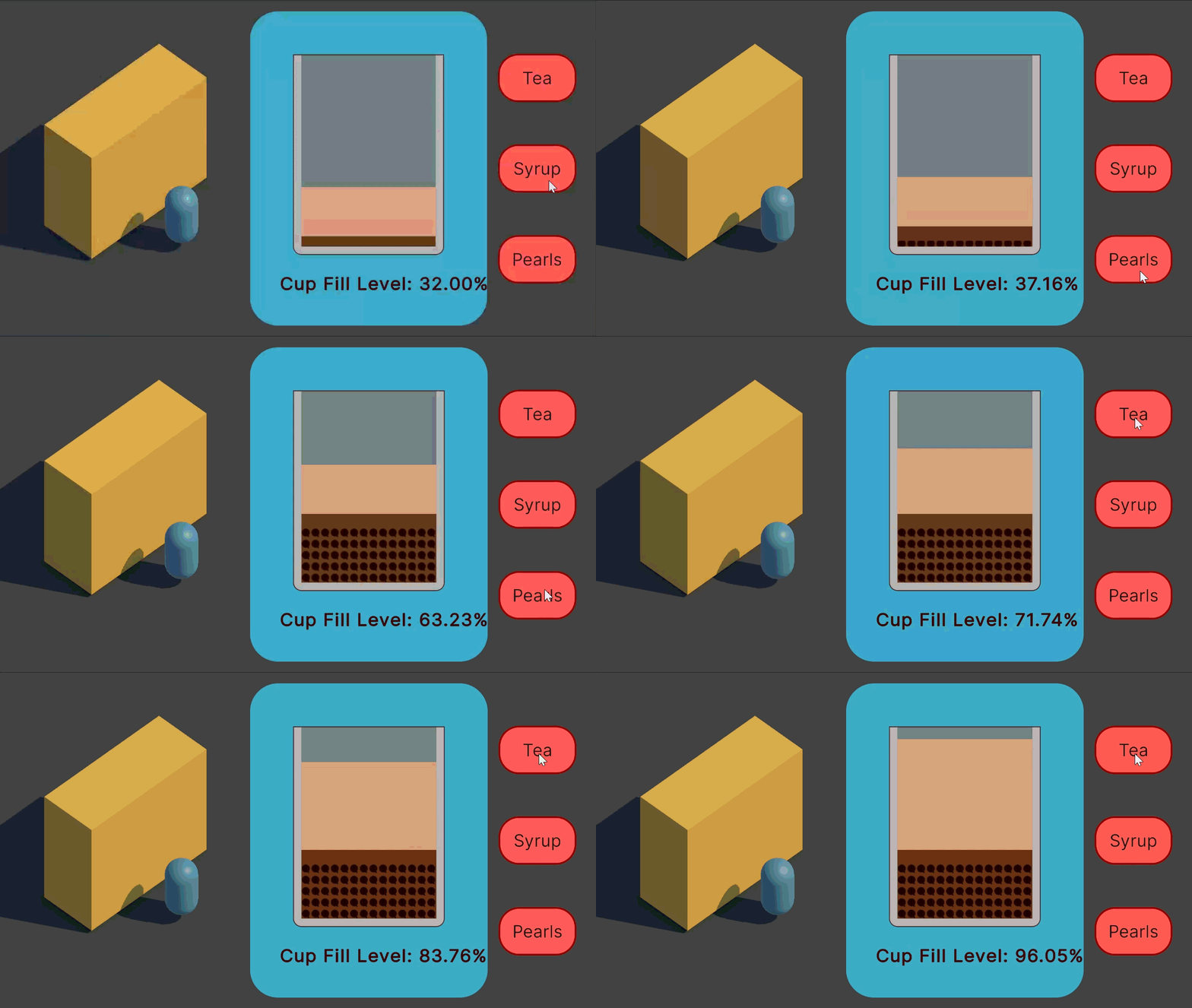
I adjusted some other colors just for fun and got the numbers “working”. It’s actually kinda fudged, for some reason instead of multiplying my values by 100 like I expected, multiplying them by 400 gives me my desired outcome. This is a prototype though so it’s fine for now.
It’s now getting late for me so I’ll wrap up for today. I certainly did not spend all my day doing this, I procrastinated a lot because it felt so daunting but I’m really glad I got what I got done today.
My normal thoughts are to wait until I have more of a “game loop” before I show people for feedback, but the videos on prototyping say get feedback ASAP so I will definitely try to ask some people!